How do I install the Microsoft Store app?
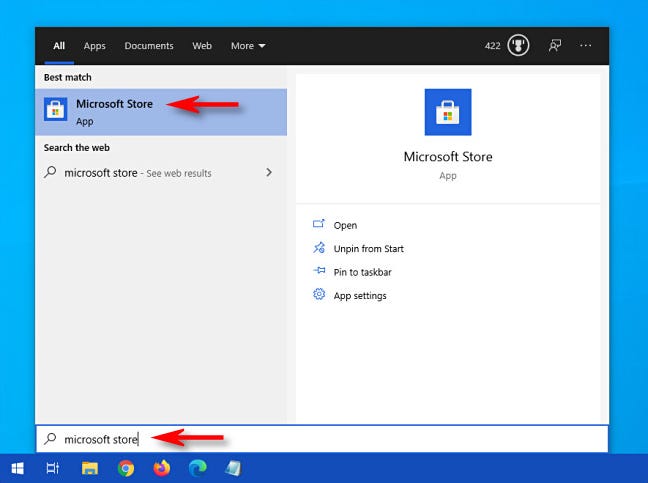
Right-click on the Windows icon at the bottom of the screen and click on “Windows PowerShell(Admin)”. A blue screen will appear, type the command mentioned below and press Enter. The command will execute and look for MS Store files on the system and then reinstall them. How do I reinstall the Microsoft Store? Right-click on the Windows icon at the …