How do I clean up my chrome settings?
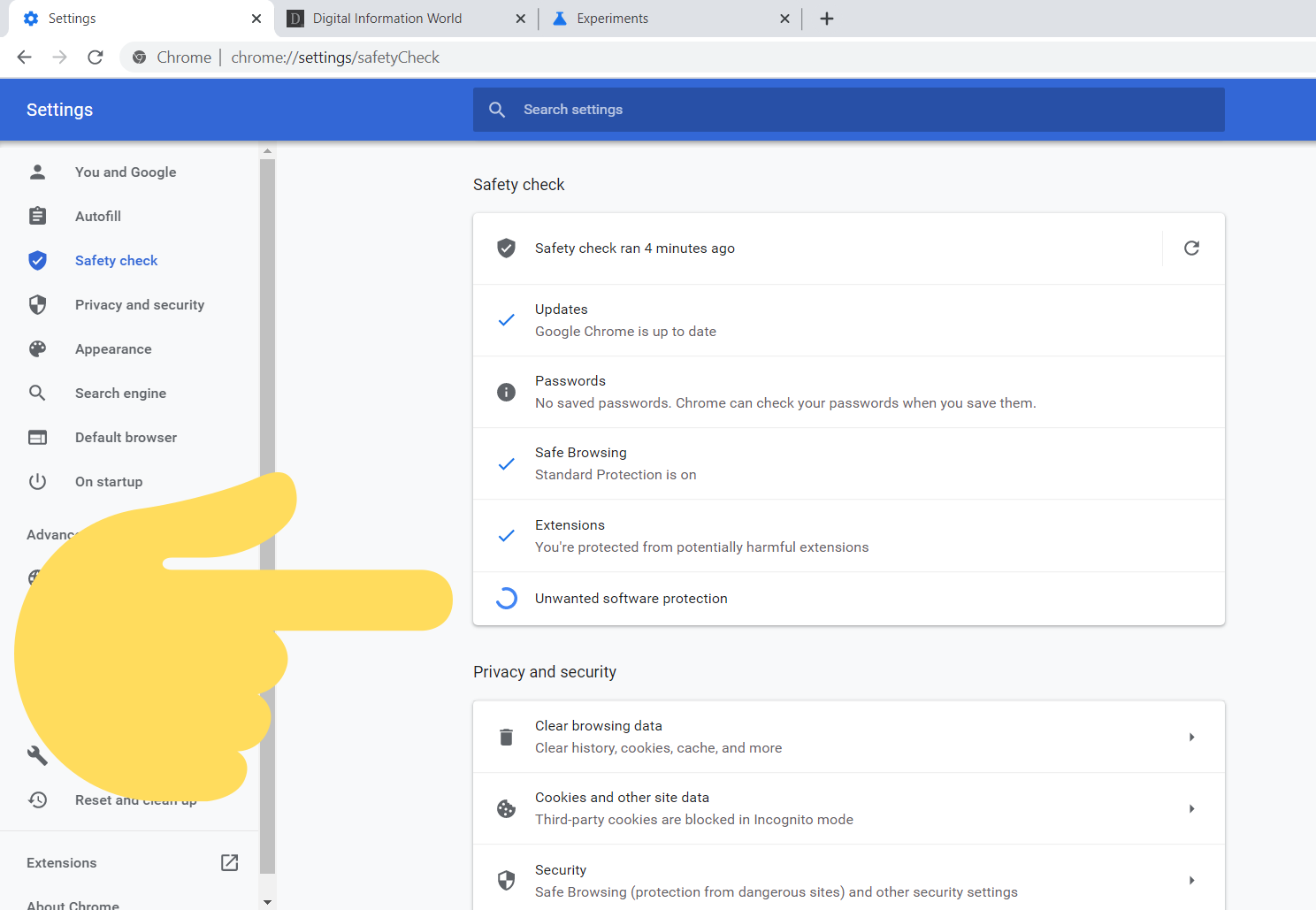
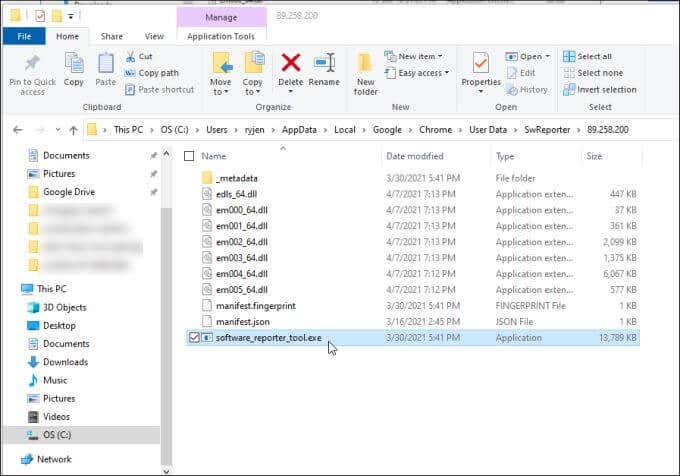
To clean up your Chrome browser on a Windows computer, open Chrome and go to Settings. You can find Settings in the Chrome menu, or just type chrome://settings into the omnibar. Scroll down to “Advanced,” click it, and then continue scrolling to “Reset and cleanup.” Select “Clean up computer.” Where is the Chrome cleanup tool? To clean up your Chrome …