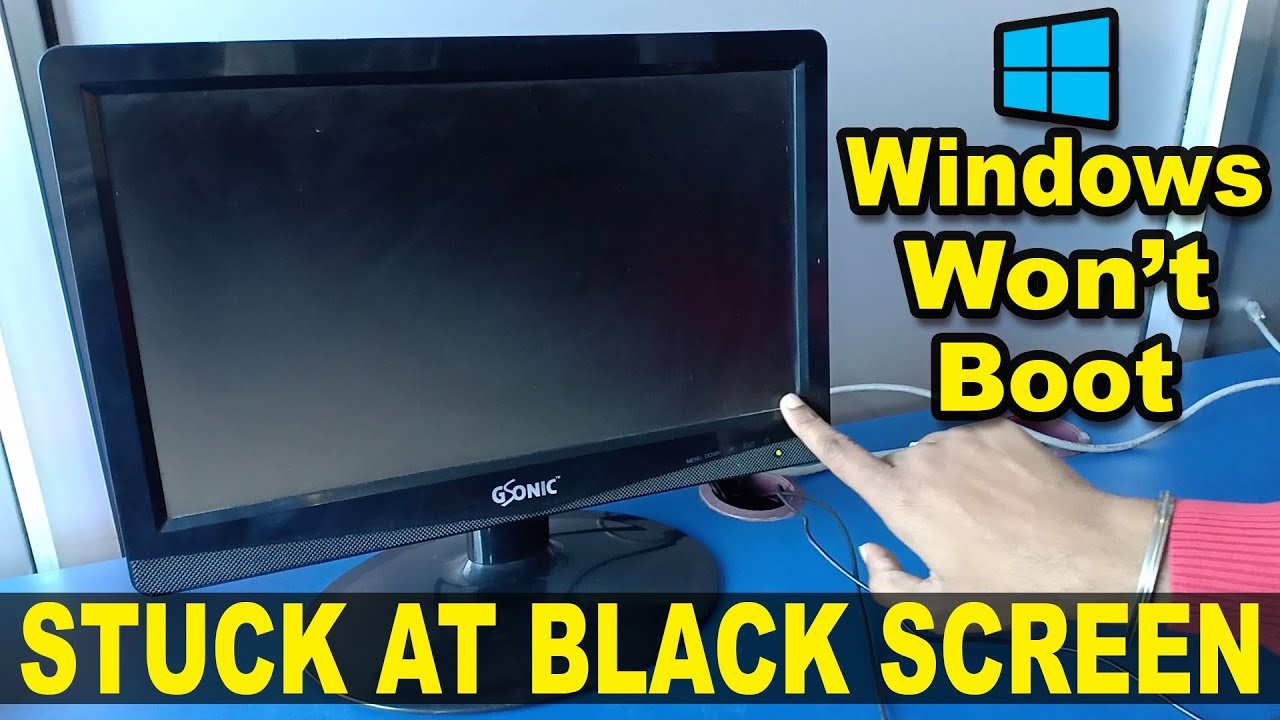
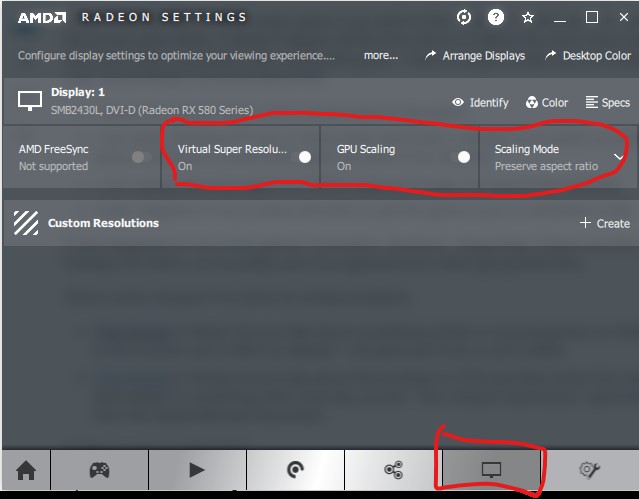
How do you fix a black screen when you turn on your PC?
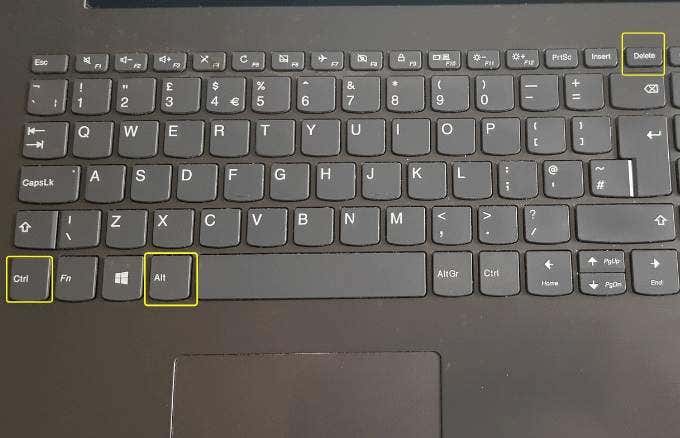
If your PC boots to a black screen, you should restart your PC several times. After doing this repeatedly, the Windows Startup Automatic Repair screen should launch automatically. Click Restart. If it doesn’t fix the black screen issue, go to Advanced options, then select System Restore. Why is my PC screen black when I turn it on? We’ll look at …