How do I change the input source in Windows?
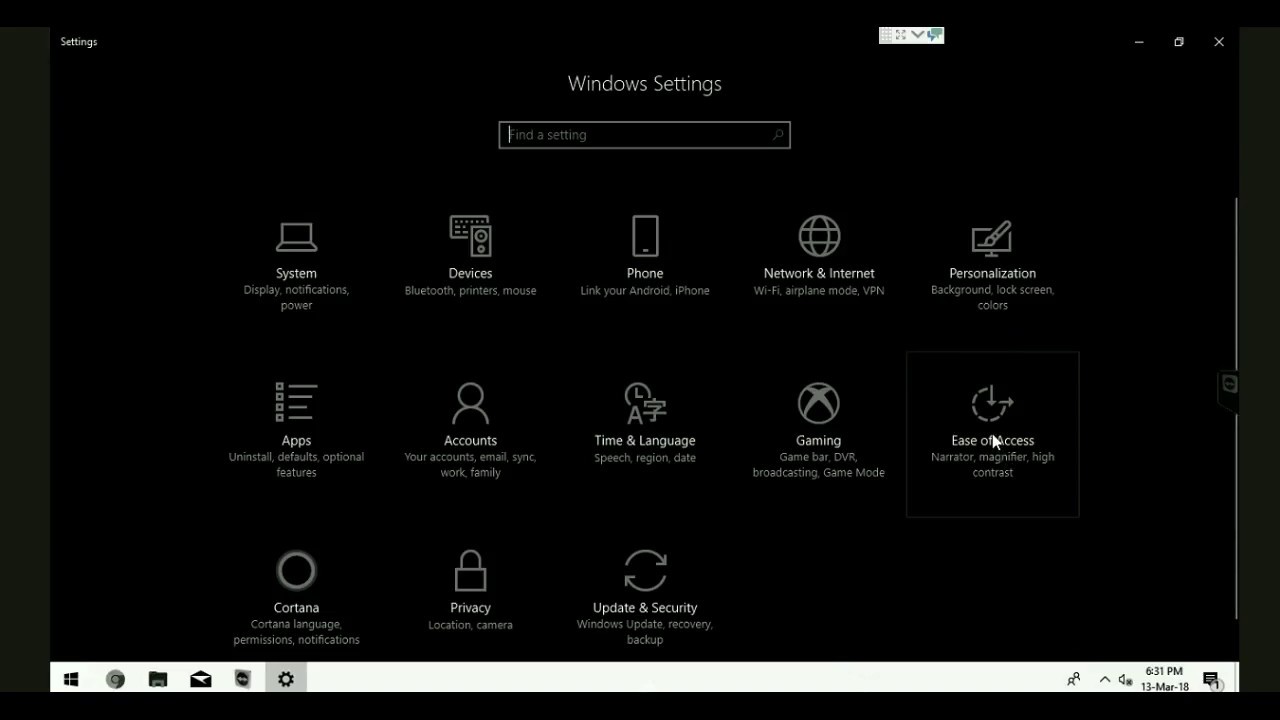
Select the Start button, then select Settings > Time & Language > Language. Under Preferred languages, select the language that contains the keyboard you want, and then select Options. Select Add a keyboard and choose the keyboard you want to add. How do I change the input source in Windows 10? Select the Start button, then select Settings > Time …