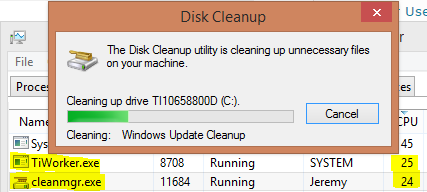
windows 10 doesnt recognize ssd after reboot
You just have to go to the BiOS menu and open Storage Options. There, go into Serial ATA and then SATA Configuration or a similar setting. There, select the IDE Compatibility mode, save changes, and restart your computer. Now, your BiOS should recognize your SSD, and you can start using it after booting up Windows 10. Why is my SSD …