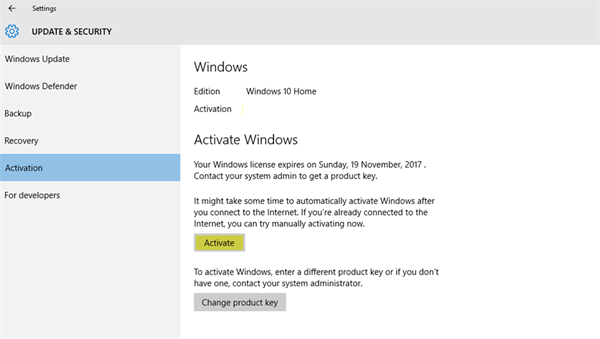
How do I change my background without activating Windows?
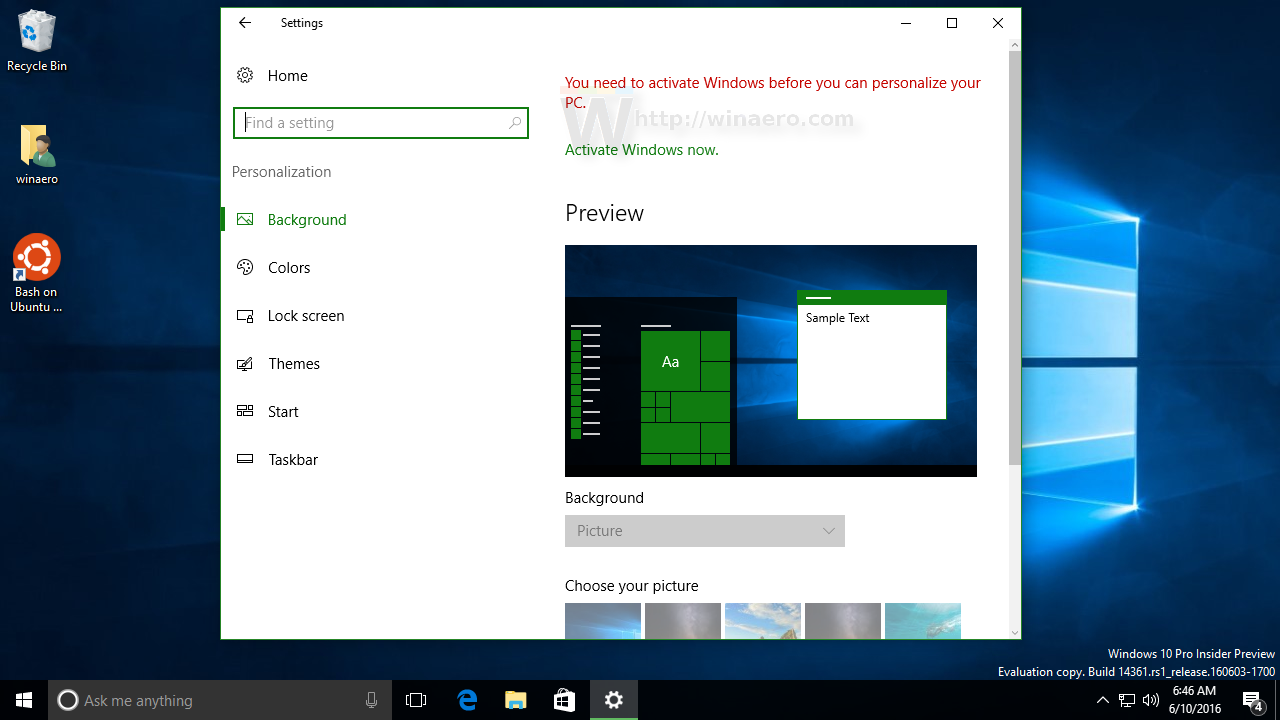
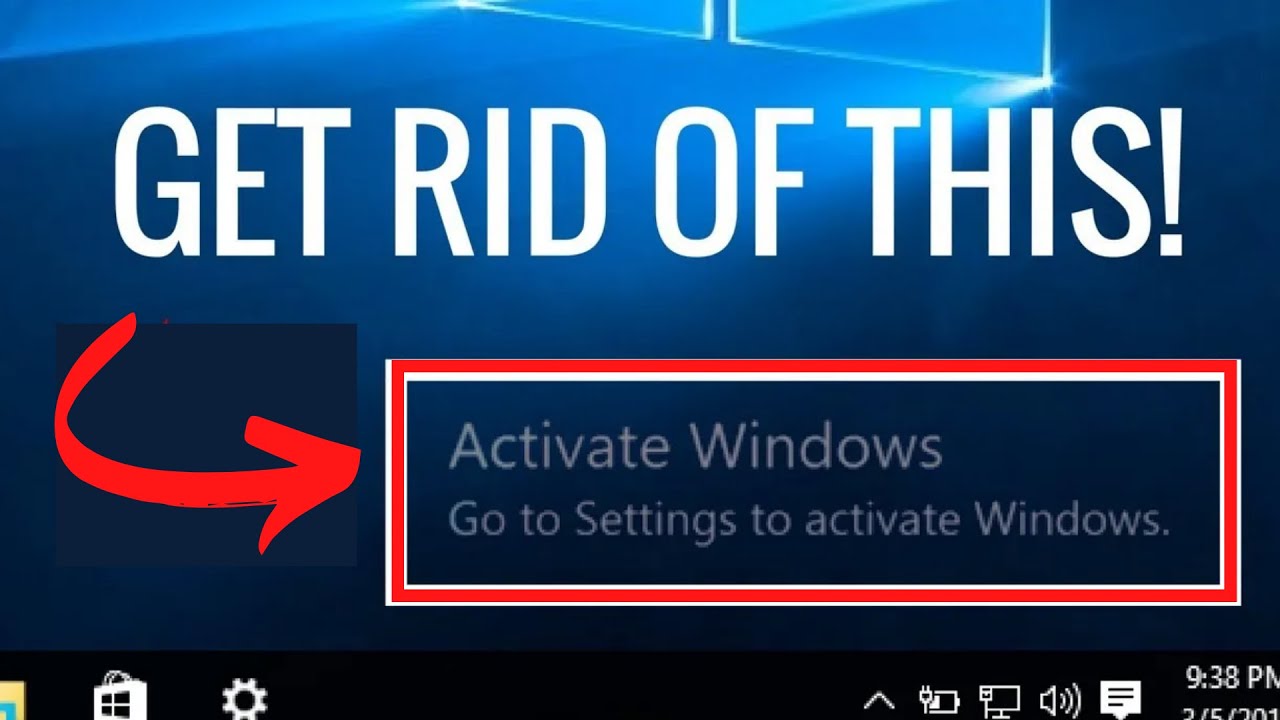
Open File Explorer and navigate to the folder where you store your wallpapers. Once you find the suitable image, just right click it and choose Set as desktop background from the context menu. The image will be set as your desktop background ignoring the fact that Windows 10 is not activated. Can you change background on unactivated Windows 10? Just …