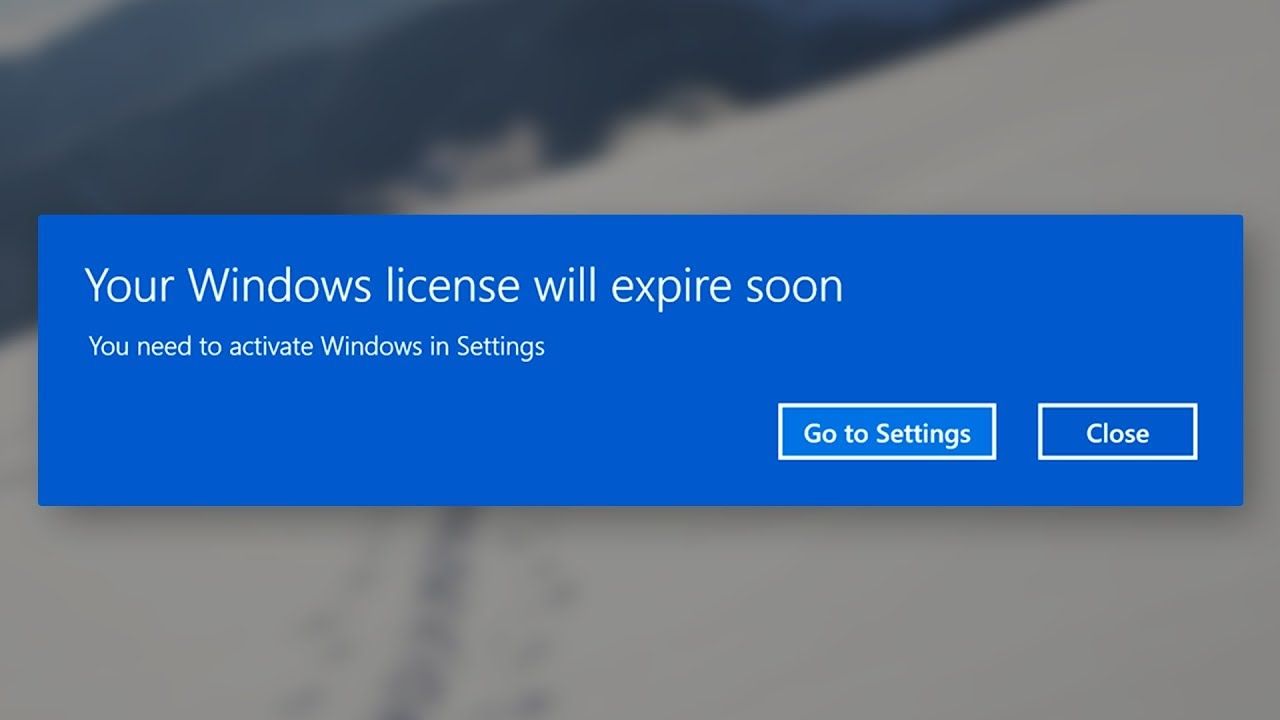
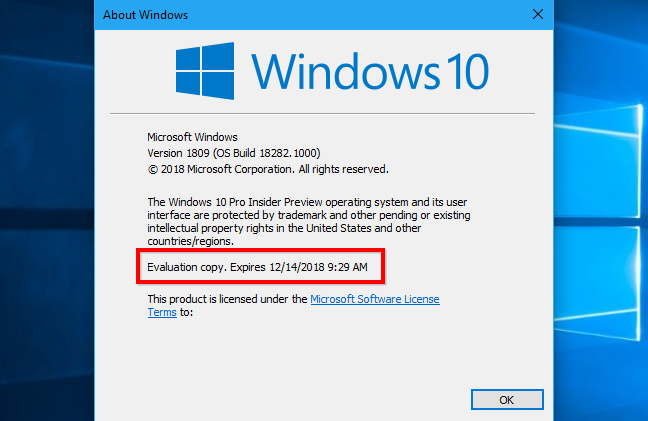
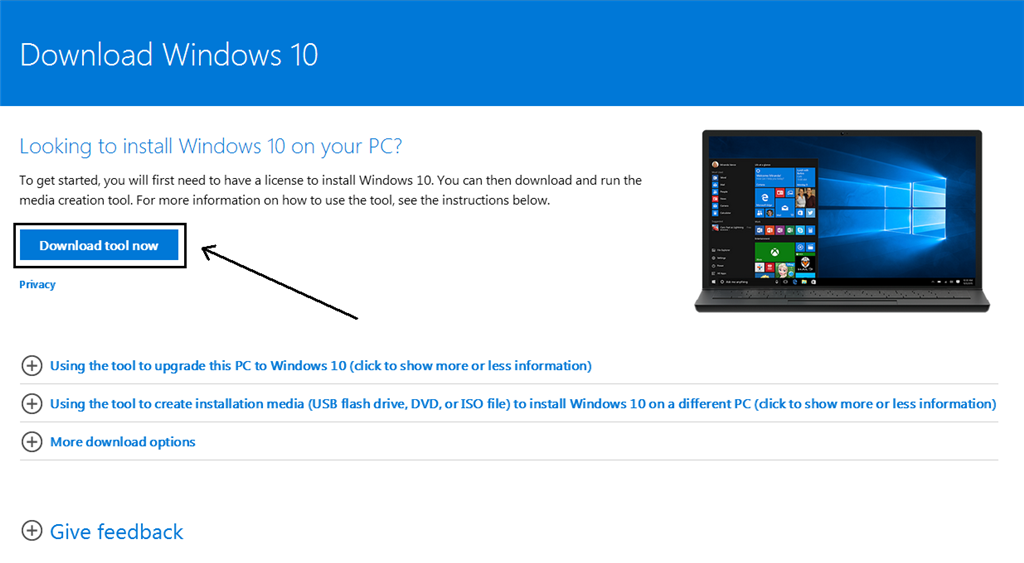
How can I check if my Windows 10 license is valid?
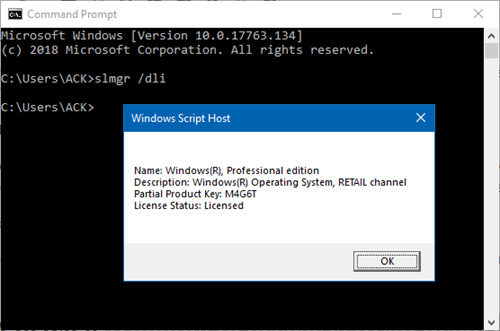
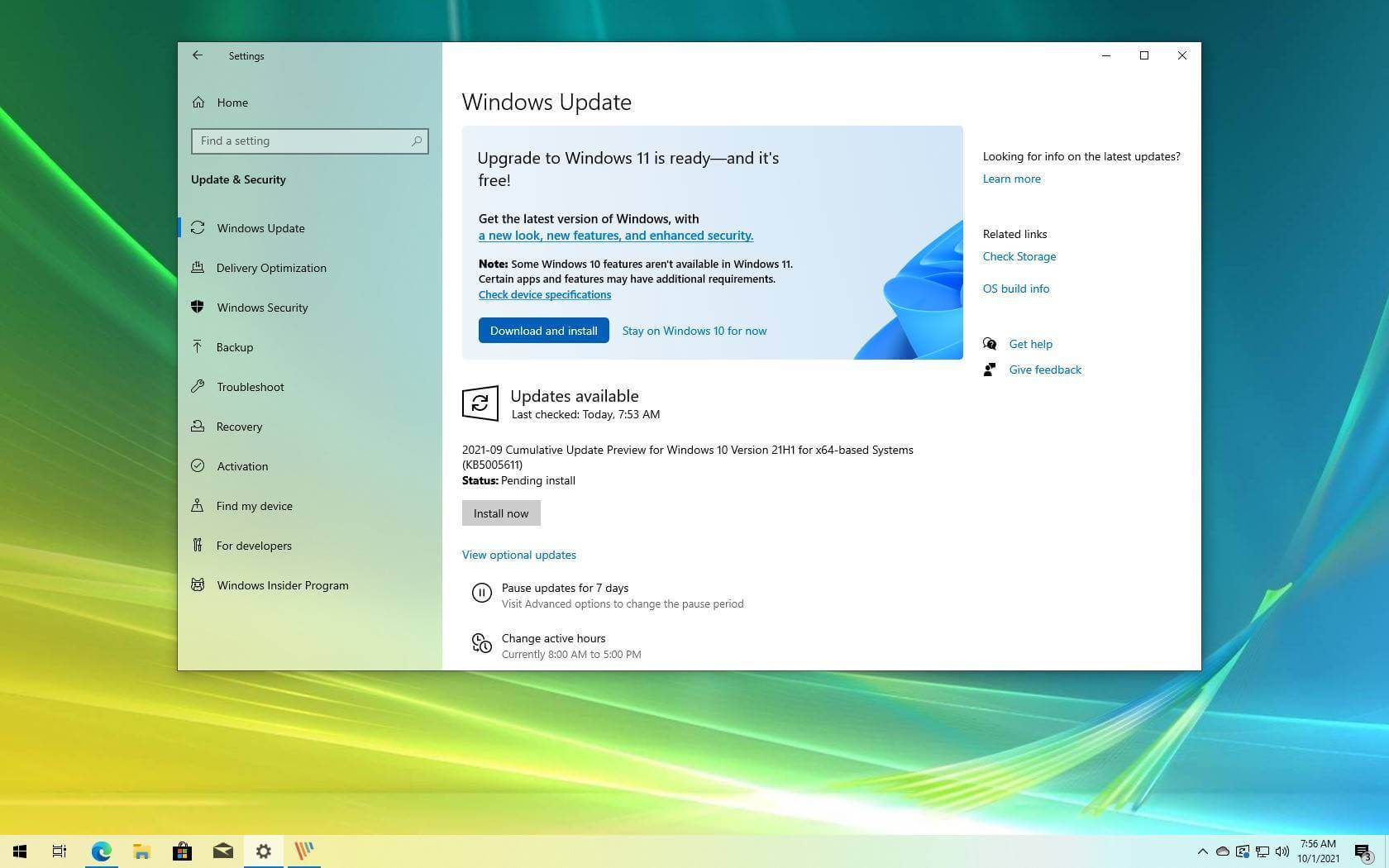
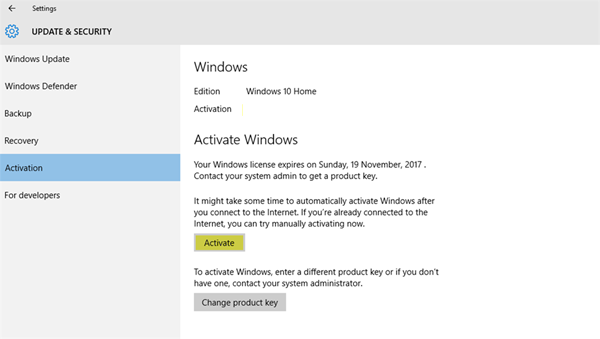
Use Command Prompt Launch the Command Prompt with the Administrator privileges. Type the following command and hit the enter key: slmgr /dli. The command will display the Windows 10 edition, License Status, and the type of key – OEM or RETAIL. How do I check my Windows 10 license? To find out, select the Start button, and then select Settings …