Why are my monitors not working with my docking station?
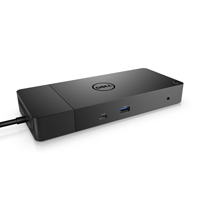
Try to disconnect and reconnect the docking station to the laptop. Disconnect both ends of the video cable and check for damaged or bent pins. Securely reconnect the cable to the monitor and docking station. Ensure the video cable (HDMI, or DisplayPort) is connected properly to the monitor and the docking station. Why won’t my docking station detect my monitors? …