How do you get into Chromebook without password?
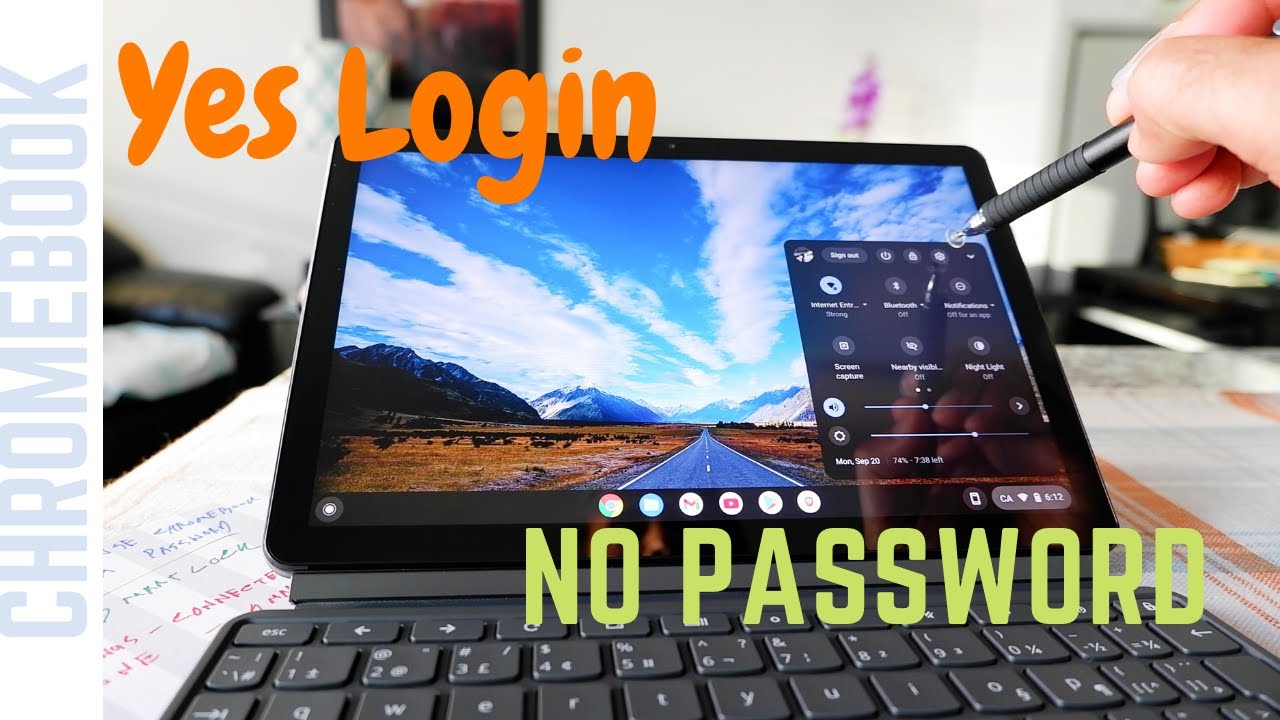
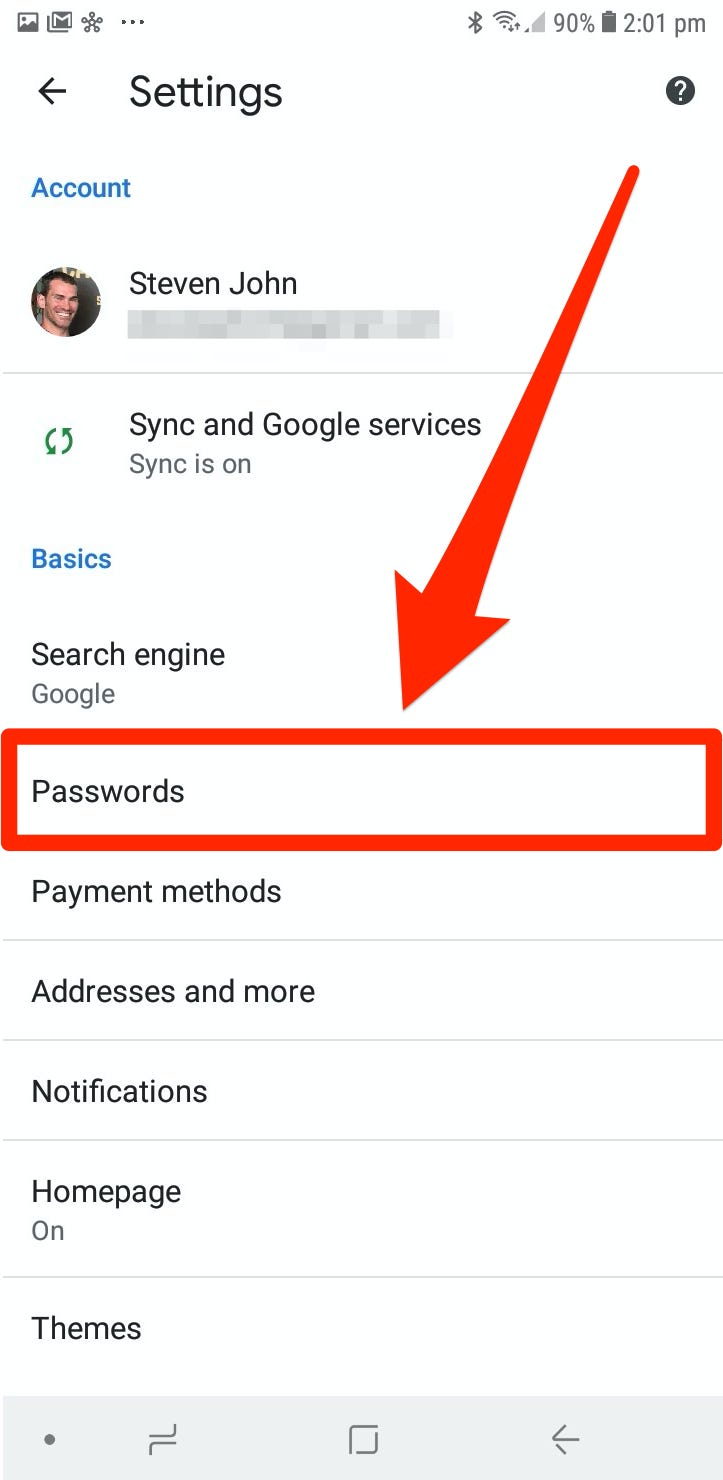
With your Android smartphone linked to your Chromebook, go to Settings > Connected devices. Then click on your Android phone under connected devices. Under Smart Lock make sure that you toggle it on with the on/off switch on the right. Click on Smart Lock and then check on “Unlock device and sign in to Google Account”.Method 1: Use a Guest …