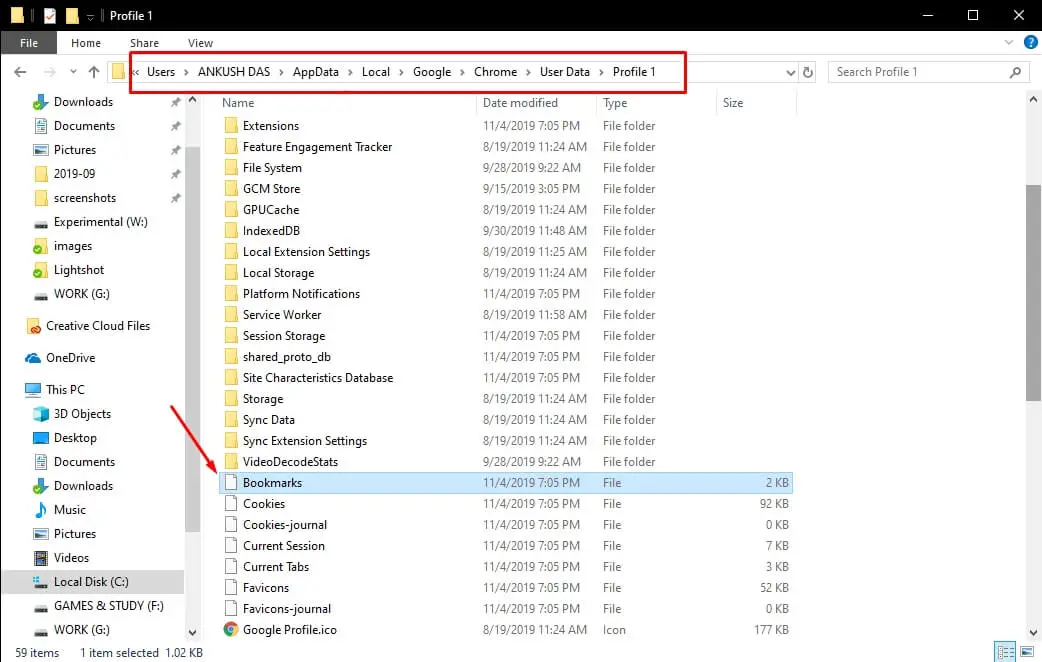
How do I import Chrome bookmarks?
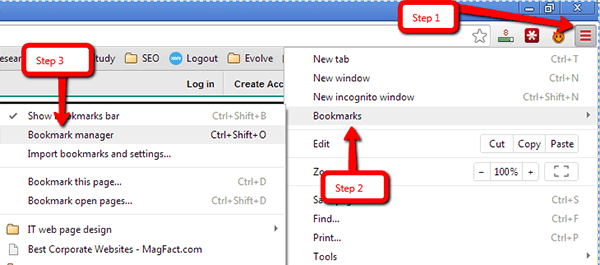
From the “People” section, click “Import bookmarks and settings.” The Import Bookmarks and Settings window opens. From the “From:” drop-down menu, select the web browser from which you want to import the bookmarks. From “Select items to import:” check “Favorites/Bookmarks.” Click [Import]. Can you Import bookmarks from one browser to another? From the “People” section, click “Import bookmarks and settings.” …