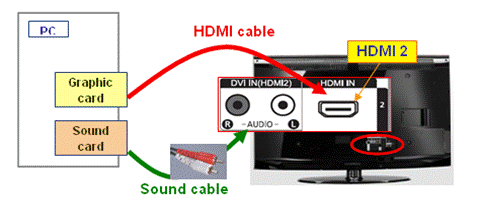
How do I change my HDMI settings on Windows 10?
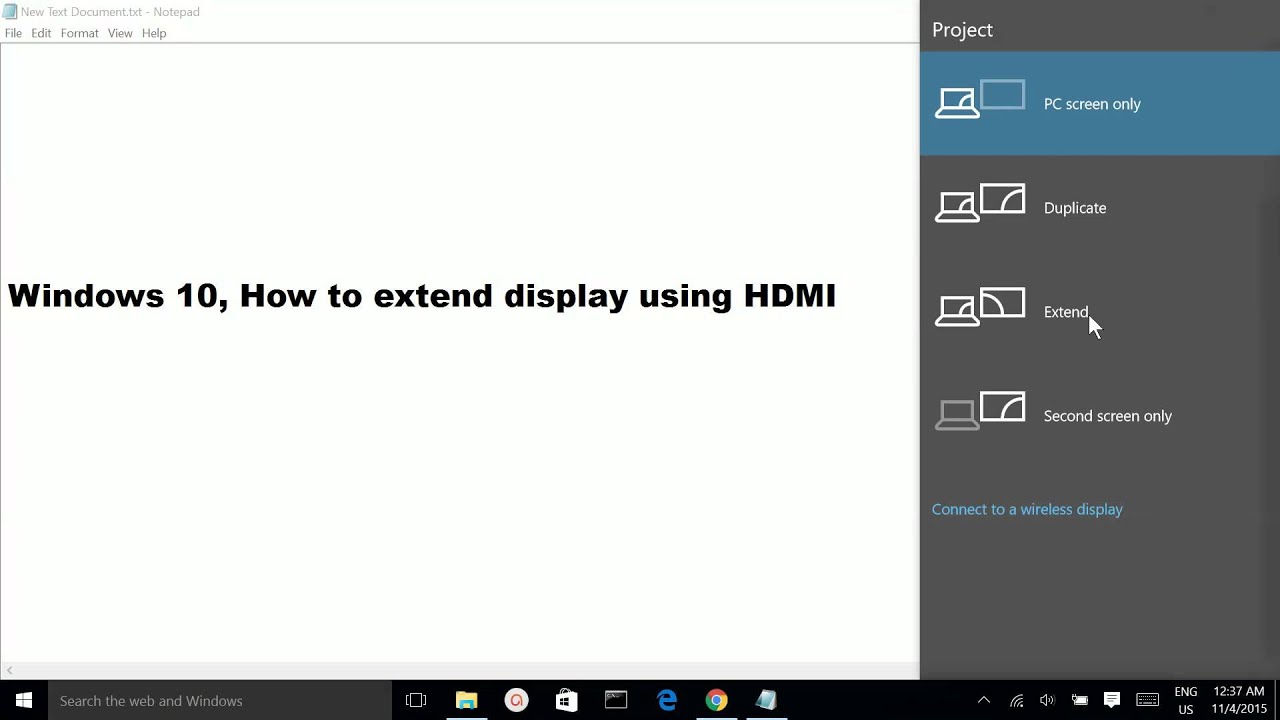
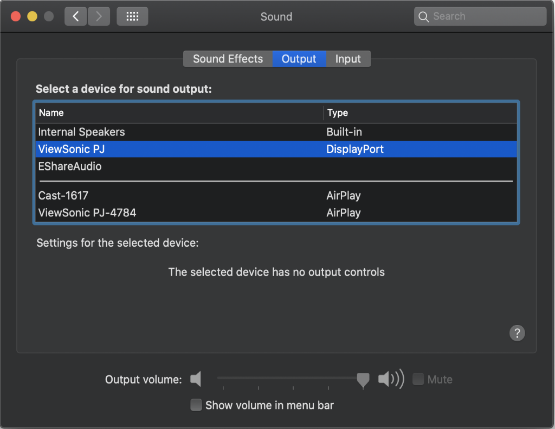
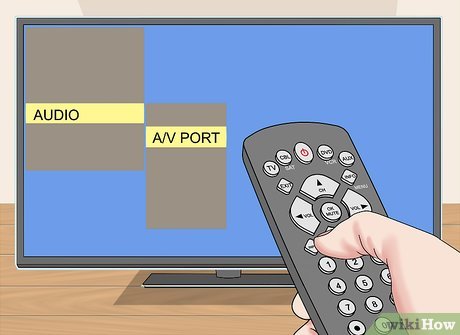
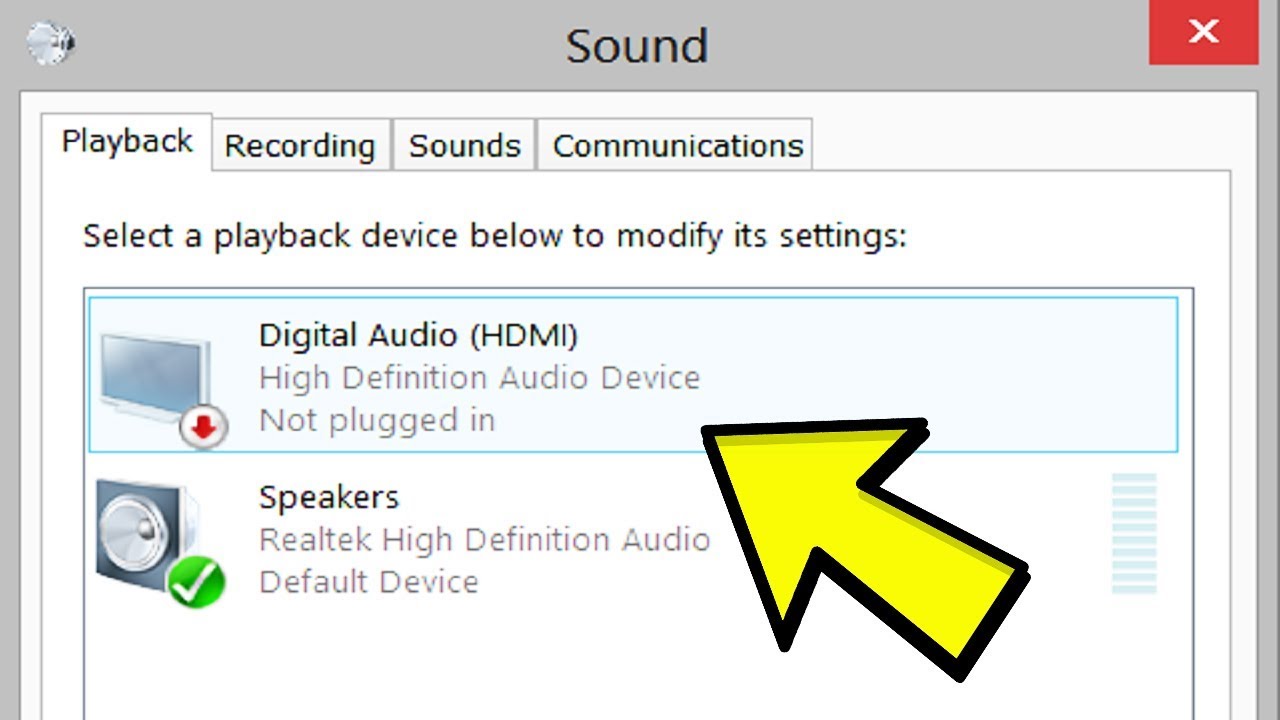
Right-click on the volume icon on the taskbar. Select Playback devices and in the newly open Playback tab, simply select Digital Output Device or HDMI. Select Set Default, click OK. How do I change my HDMI settings? To change the HDMI signal format setting, press the HOME button, then select [Settings] — [Watching TV] — [External inputs] — [HDMI signal …