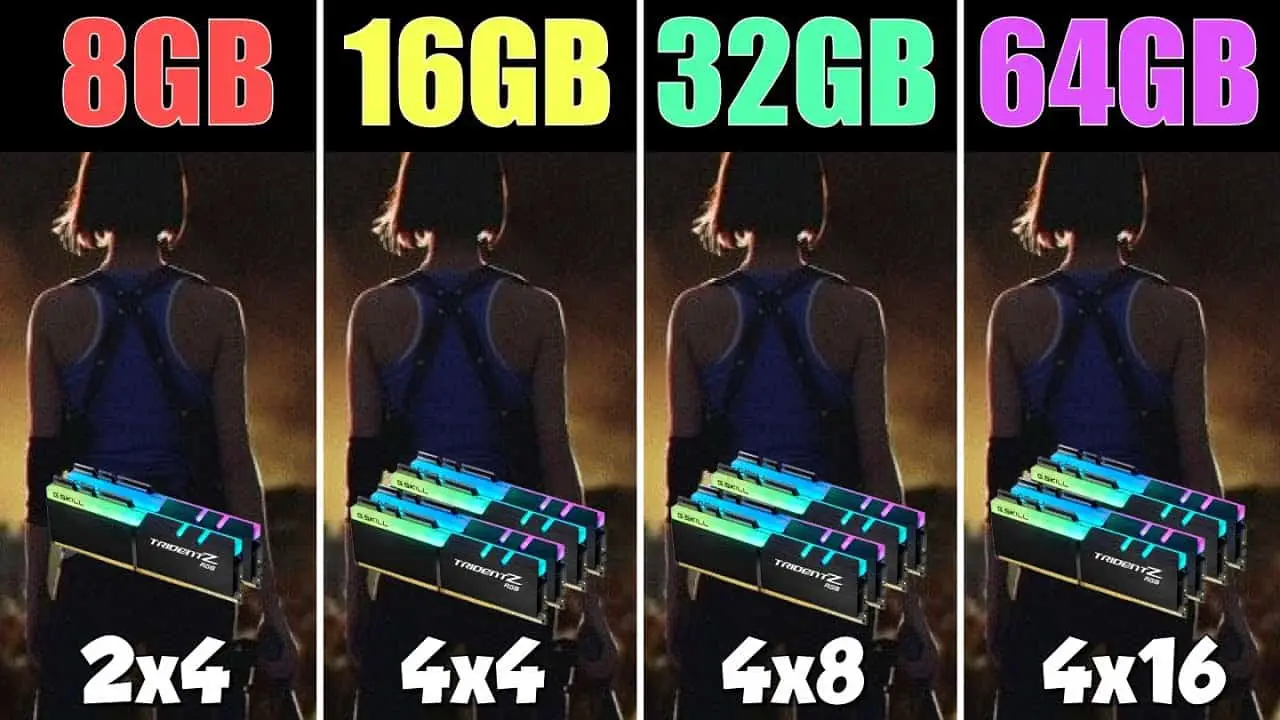
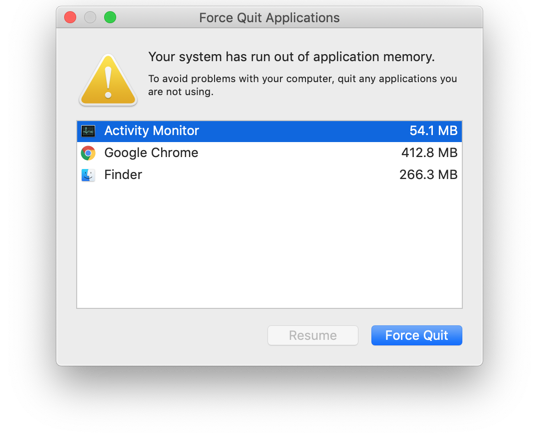
How much RAM do I have?

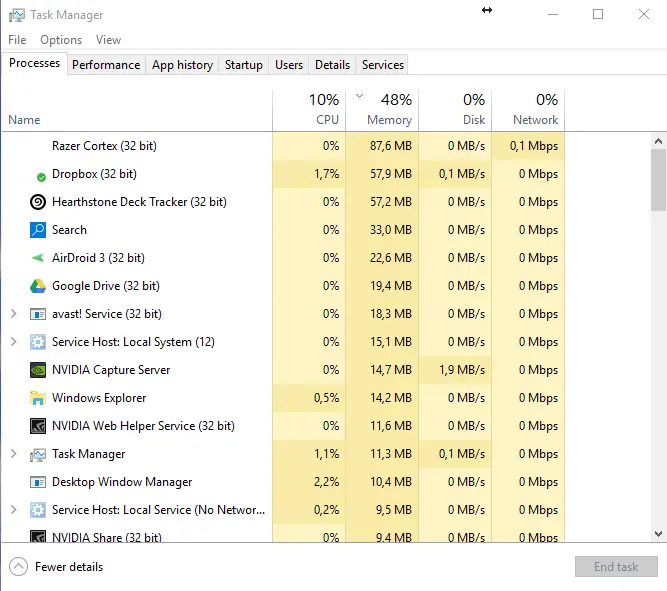
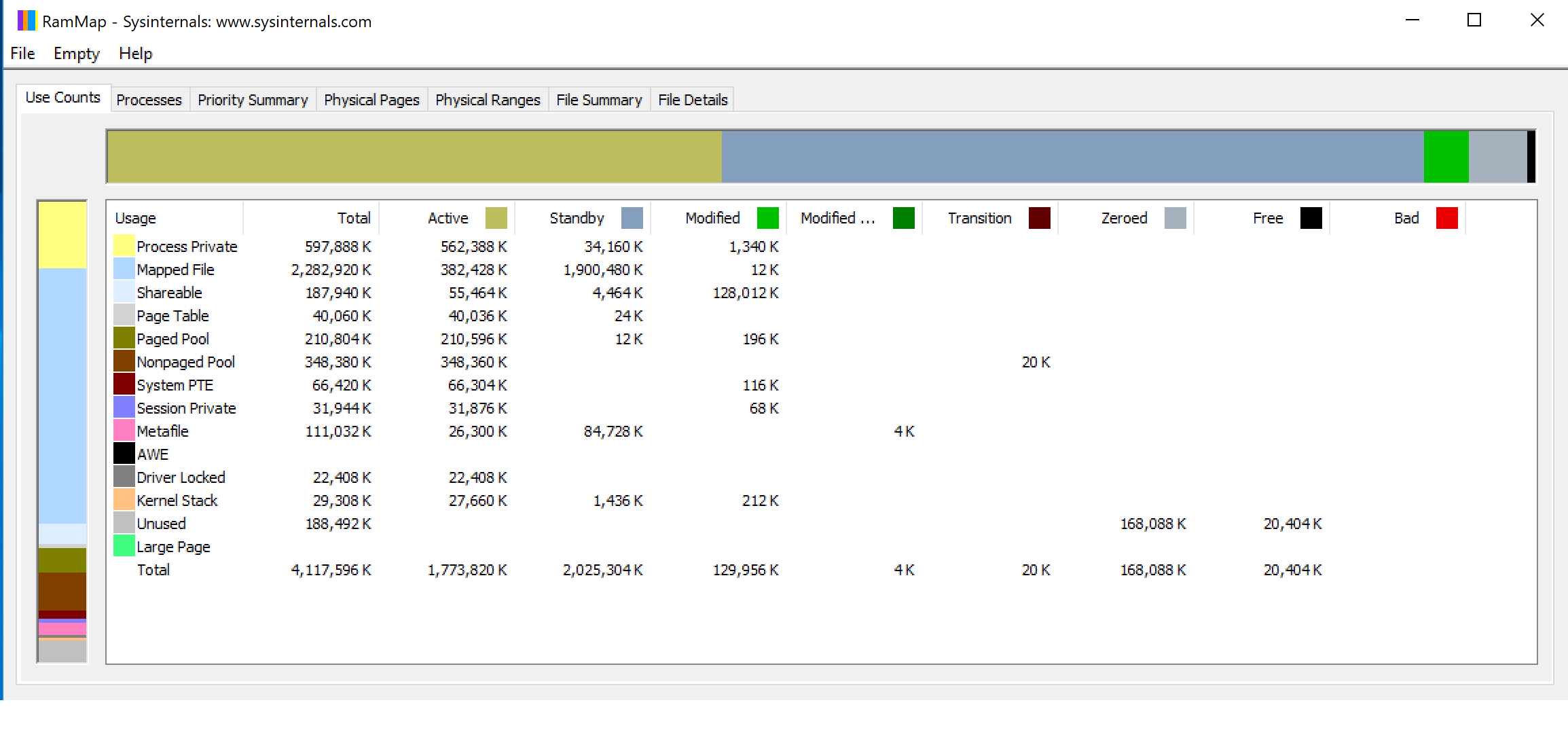
Press Ctrl + Shift + Esc to launch Task Manager. Or, right-click the Taskbar and select Task Manager. Select the Performance tab and click Memory in the left panel. The Memory window lets you see your current RAM usage, check RAM speed, and view other memory hardware specifications. How do I check how much RAM I have? Open Settings > …