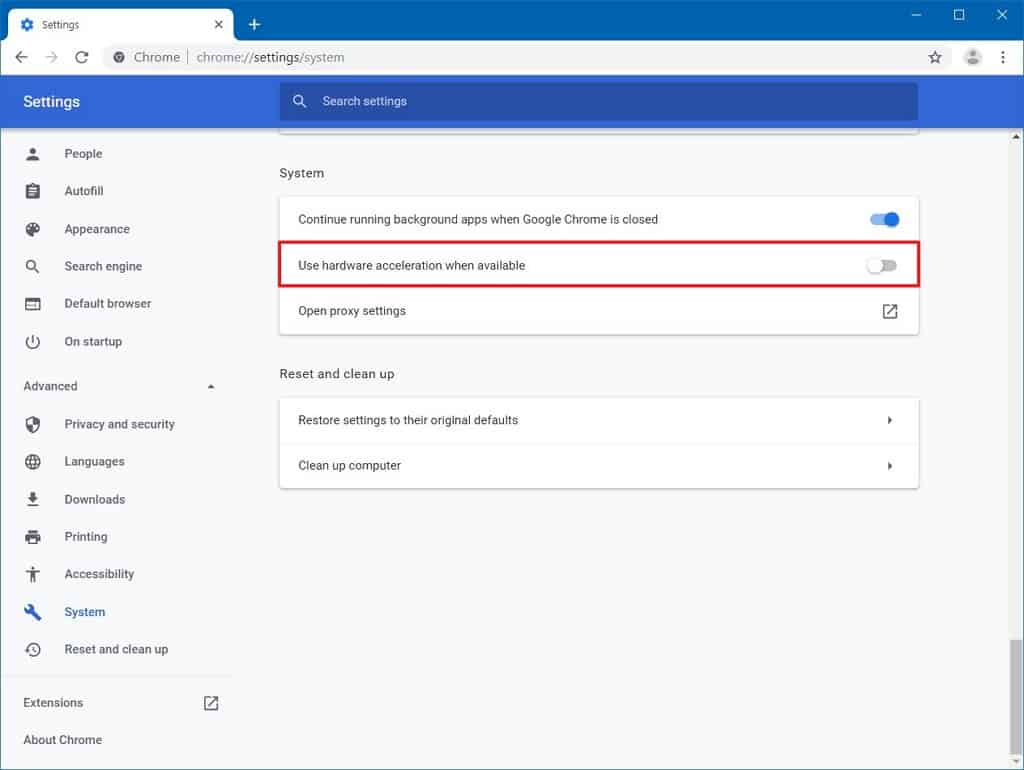
How do I disable hardware acceleration in Chrome?
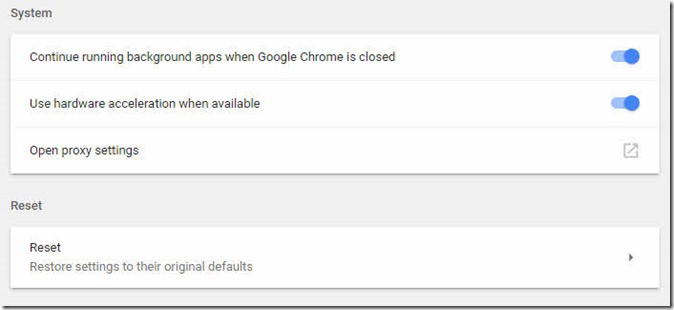
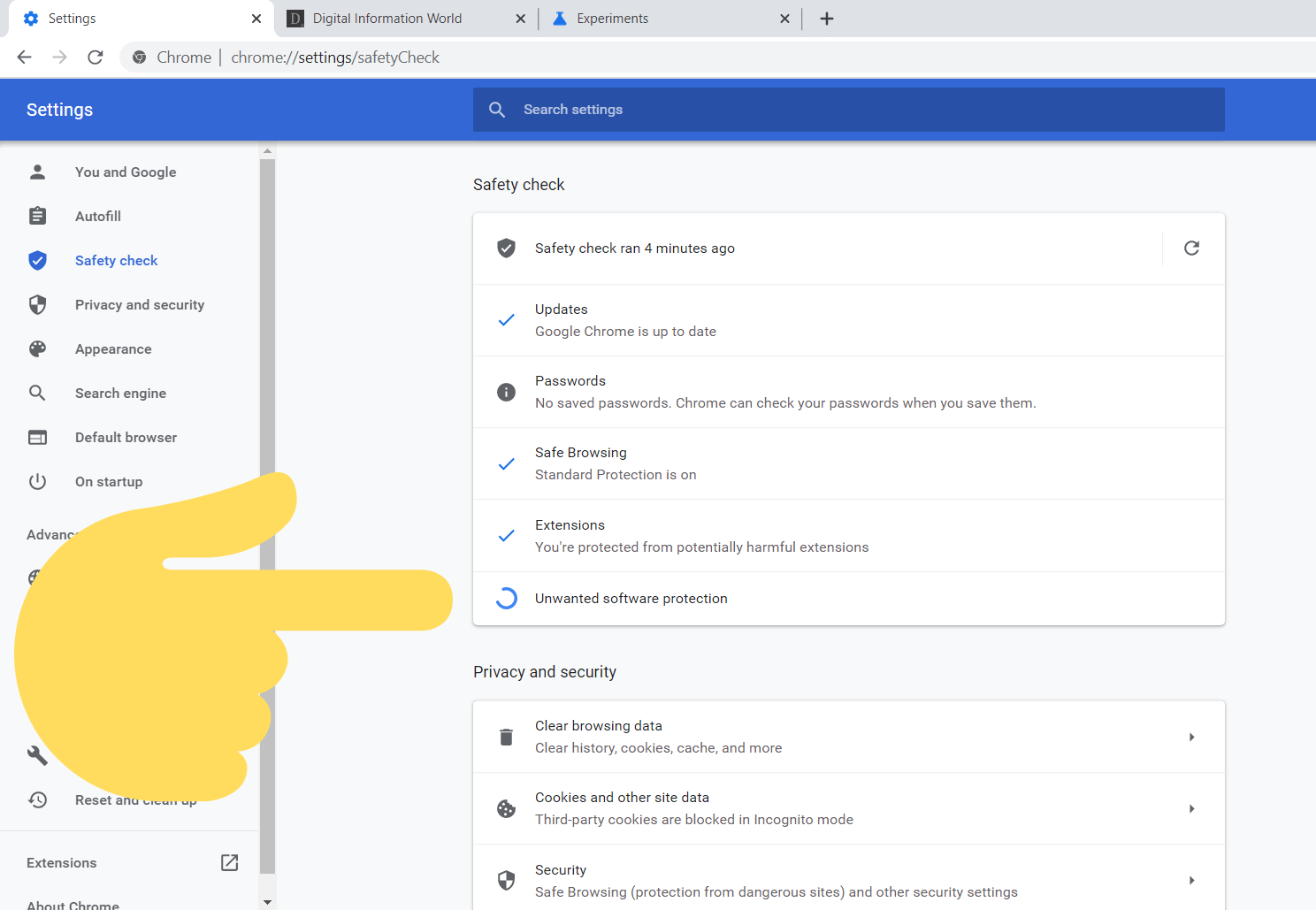
In the Settings menu, expand the “Advanced” drop-down section found in the left sidebar and then select “System.” Find the “Use hardware acceleration when available” setting. Toggle the switch to the “Off” position and then click “Relaunch” to apply the changes. Option 1 – Chrome Settings Launch Chrome, then select “Menu” > “Settings“. Scroll down to the bottom and select …