How do I stop Adobe from running in the background Windows 10?
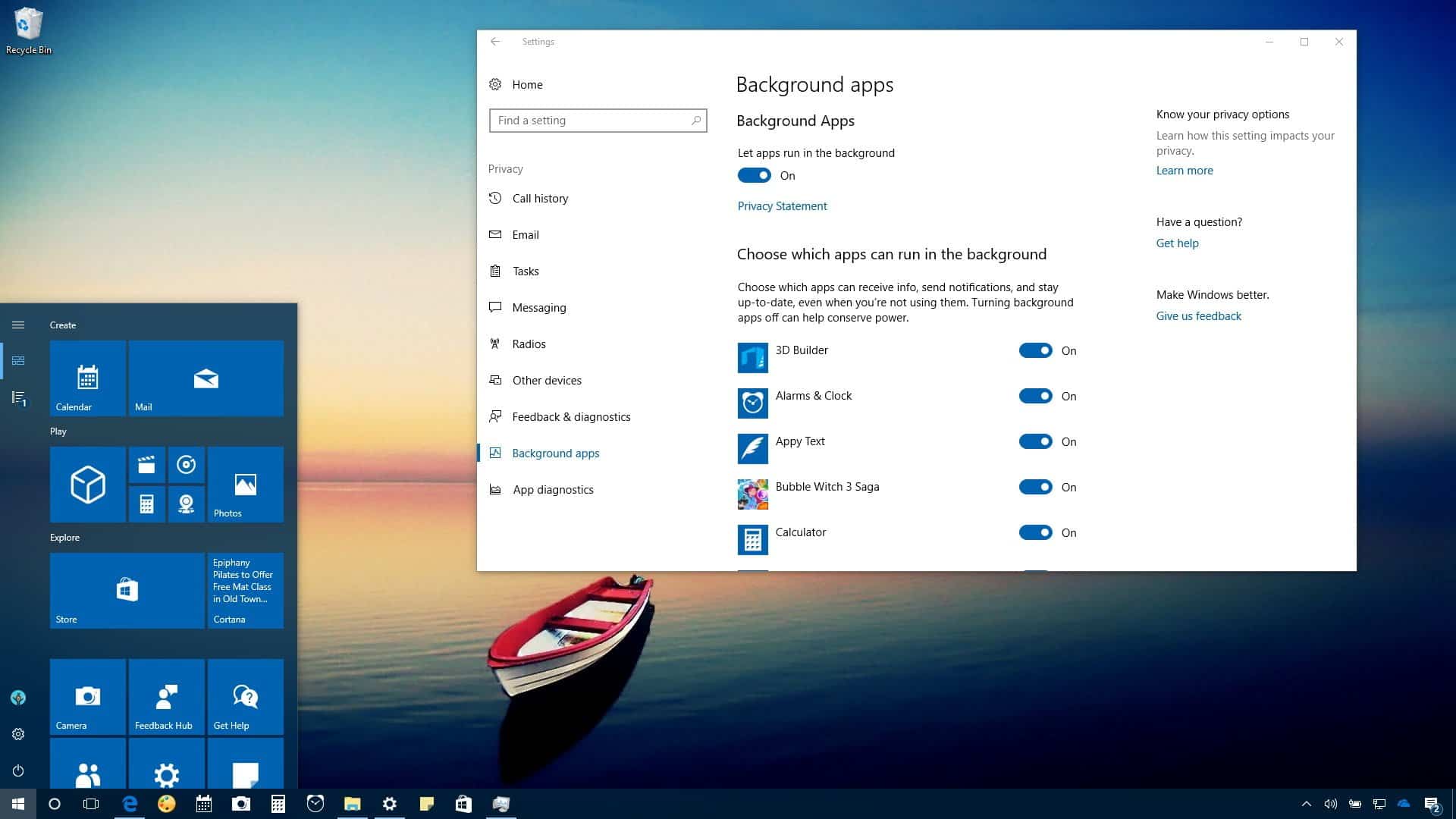
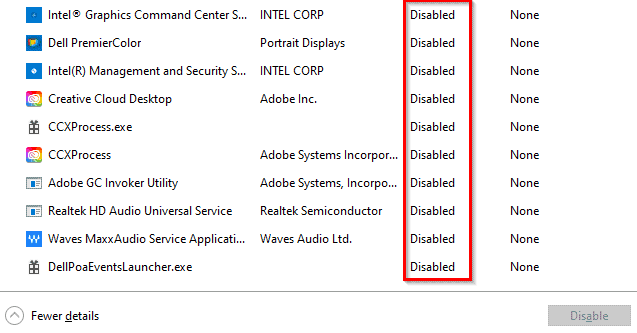
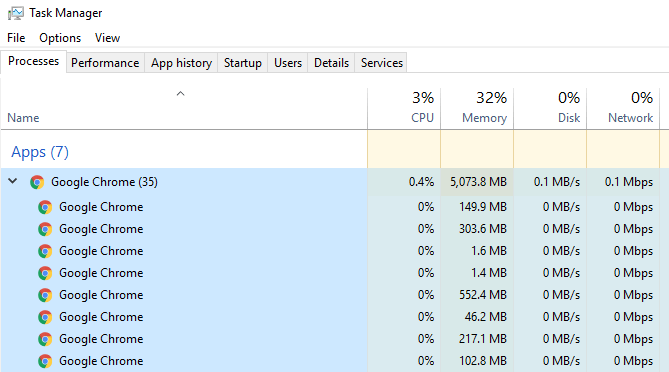
Right-click on the Taskbar and select Task Manager. Go to the Startup tab. Select Adobe Creative Cloud and click on the Disable button. Why is Adobe always running in the background? Adobe Desktop Service is the core of the Creative Cloud apps and keeps them running. It is responsible for fetching and processing critical information such as the licenses that …