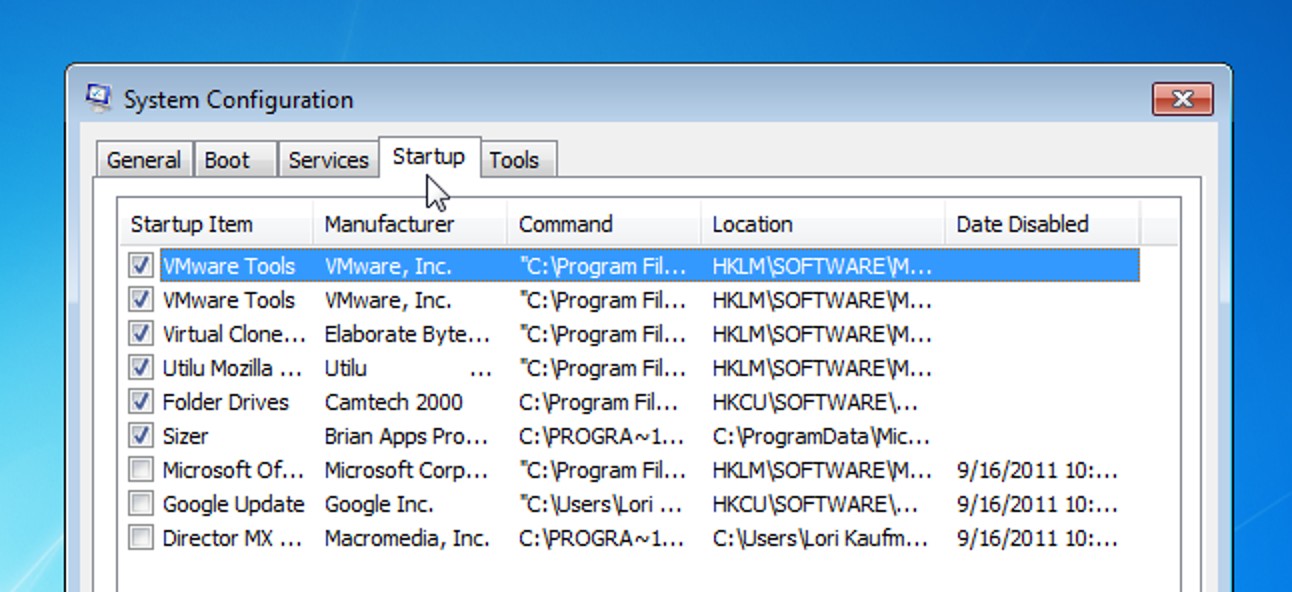
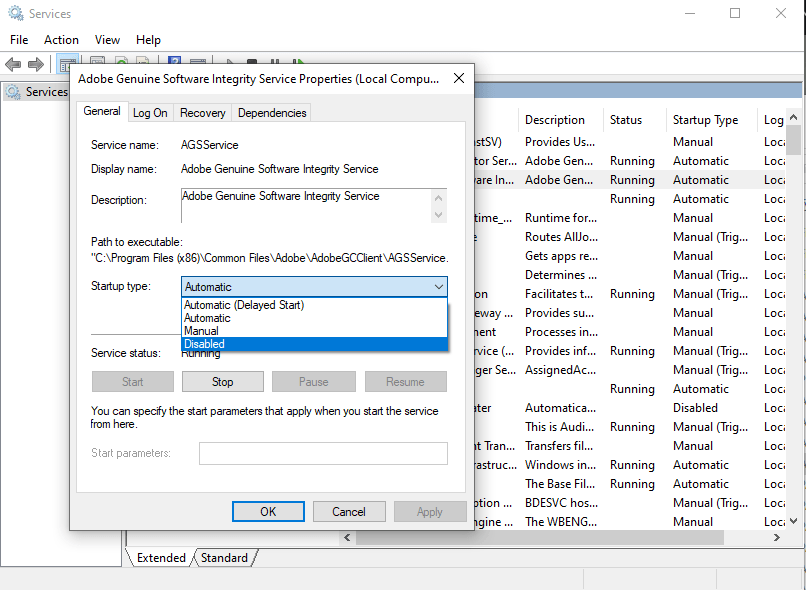
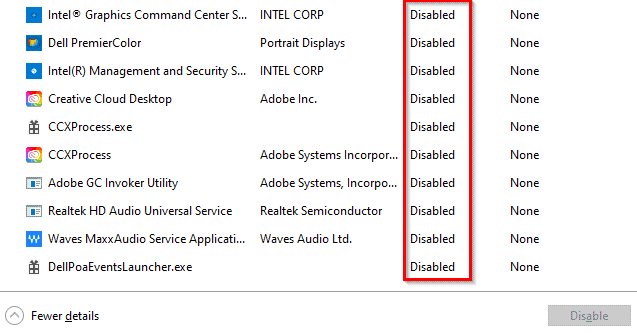
How do I stop Adobe Collaboration Synchronizer?
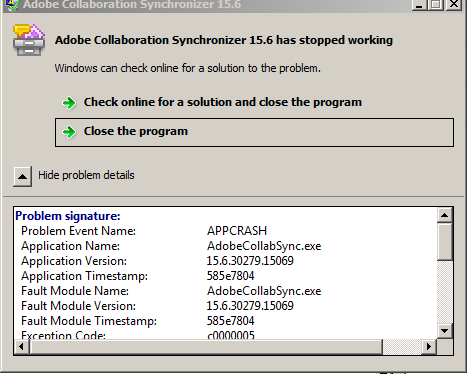
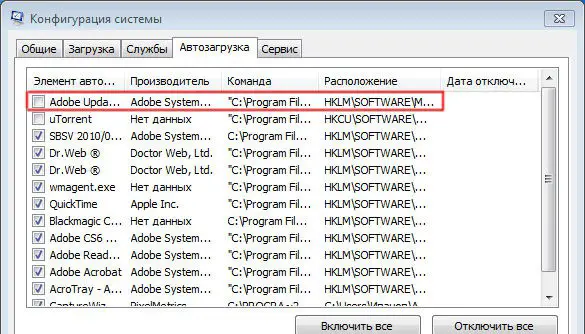
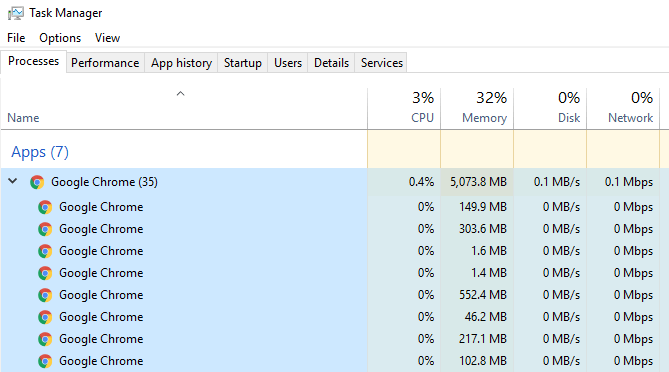
To sign out of your Adobe account within Adobe Reader simply click on the icon towards the top right of Adobe Reader. Then click on the “Sign Out” link from the drop down menu. You may need to reboot your Windows based computer or manually “End task” via your Task Manager application.To disable the Adobe Collaboration Synchronizer background process one …