Why is my second monitor not working Mac?
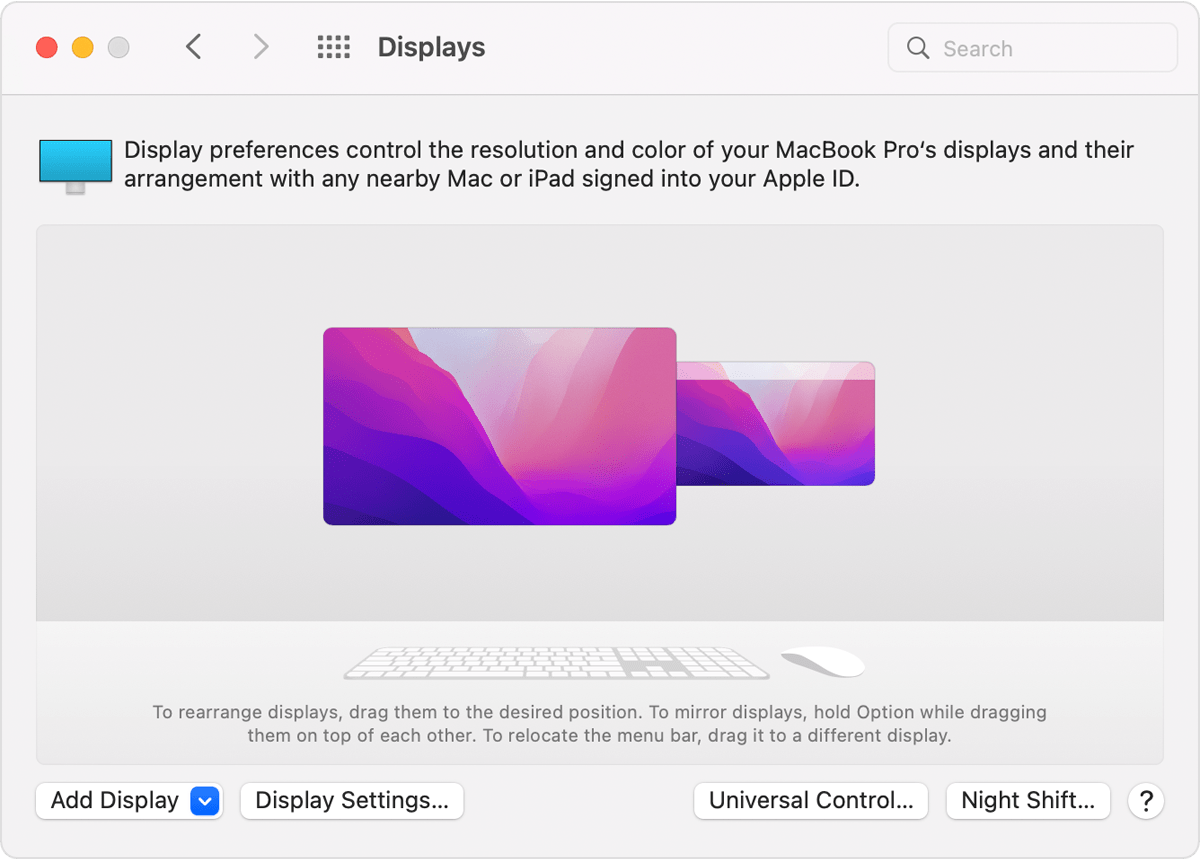
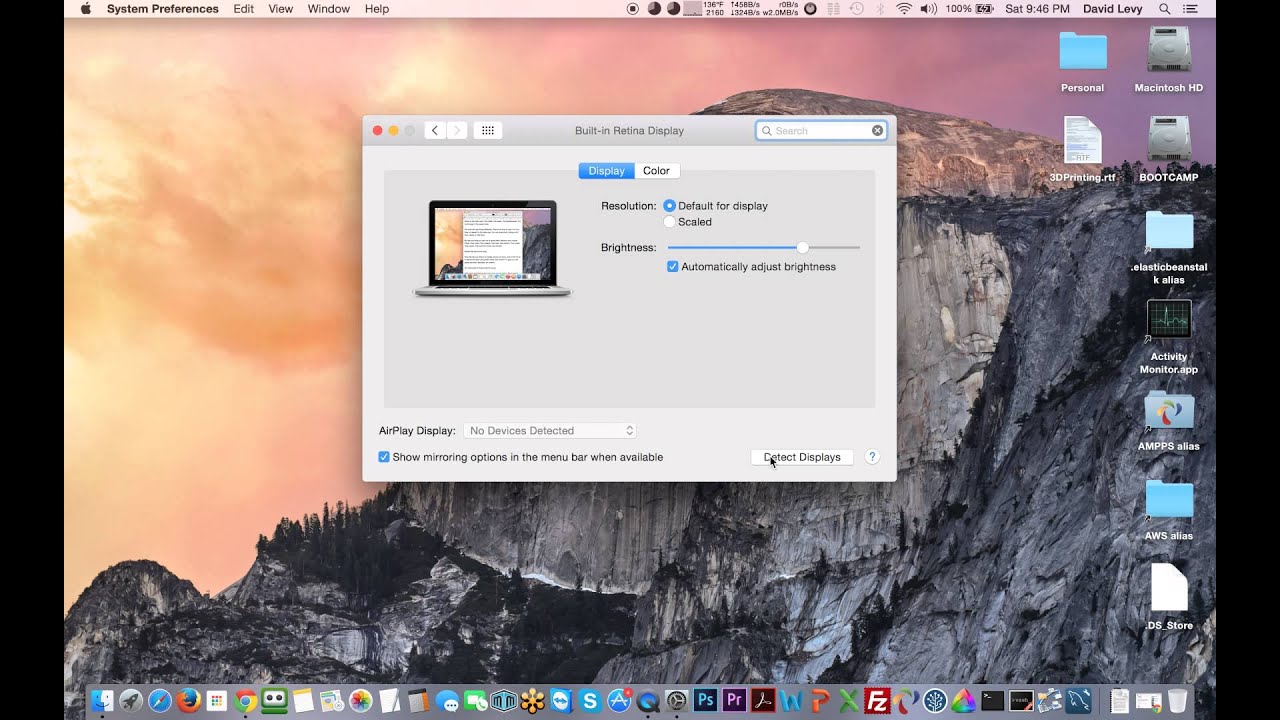
Go to System Preferences > Displays, click Scaled and hold down the Option key to show and select the Detect Displays button. Go to System Preferences > Displays and check the resolution and brightness settings. Also, check the display cable connections, and update adapter software if applicable. Why is my 2nd monitor not working on Mac? Go to System Preferences …