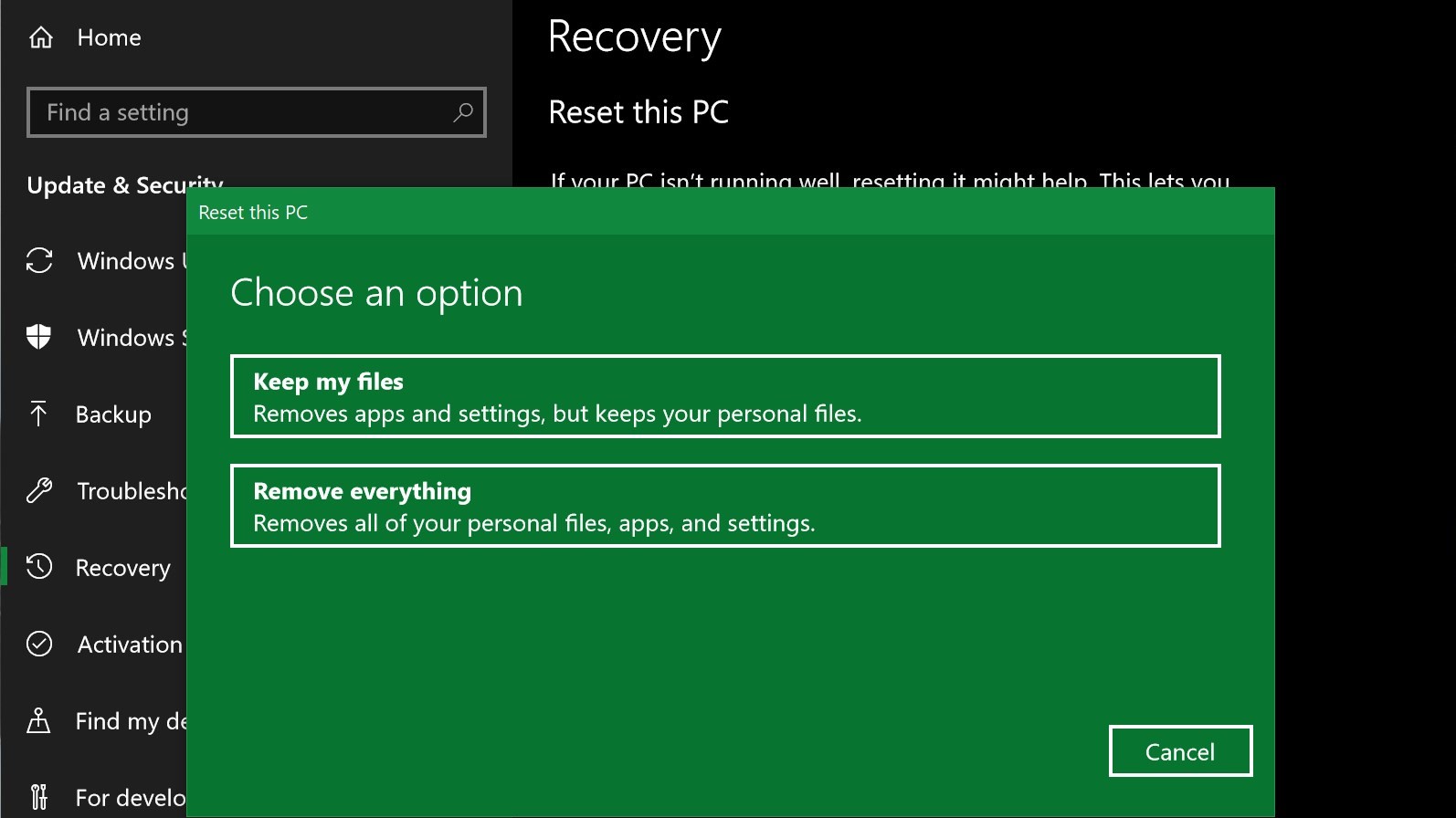
How do you Reset a Windows computer without logging in?
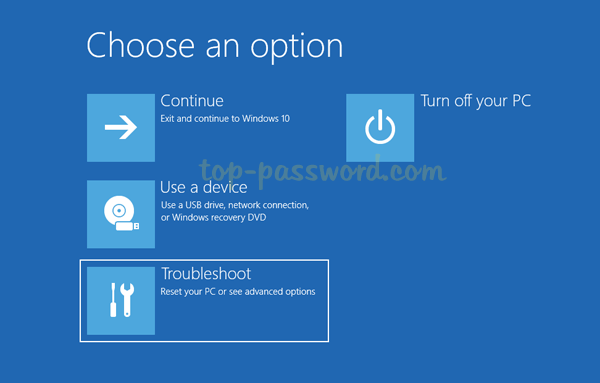
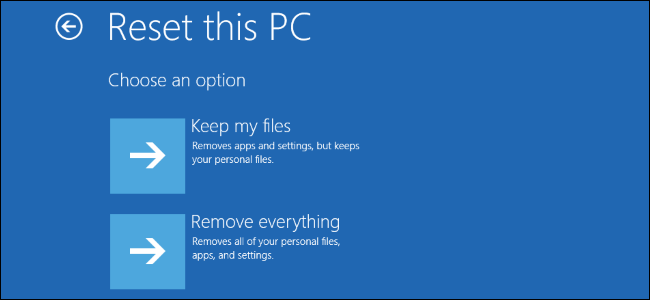
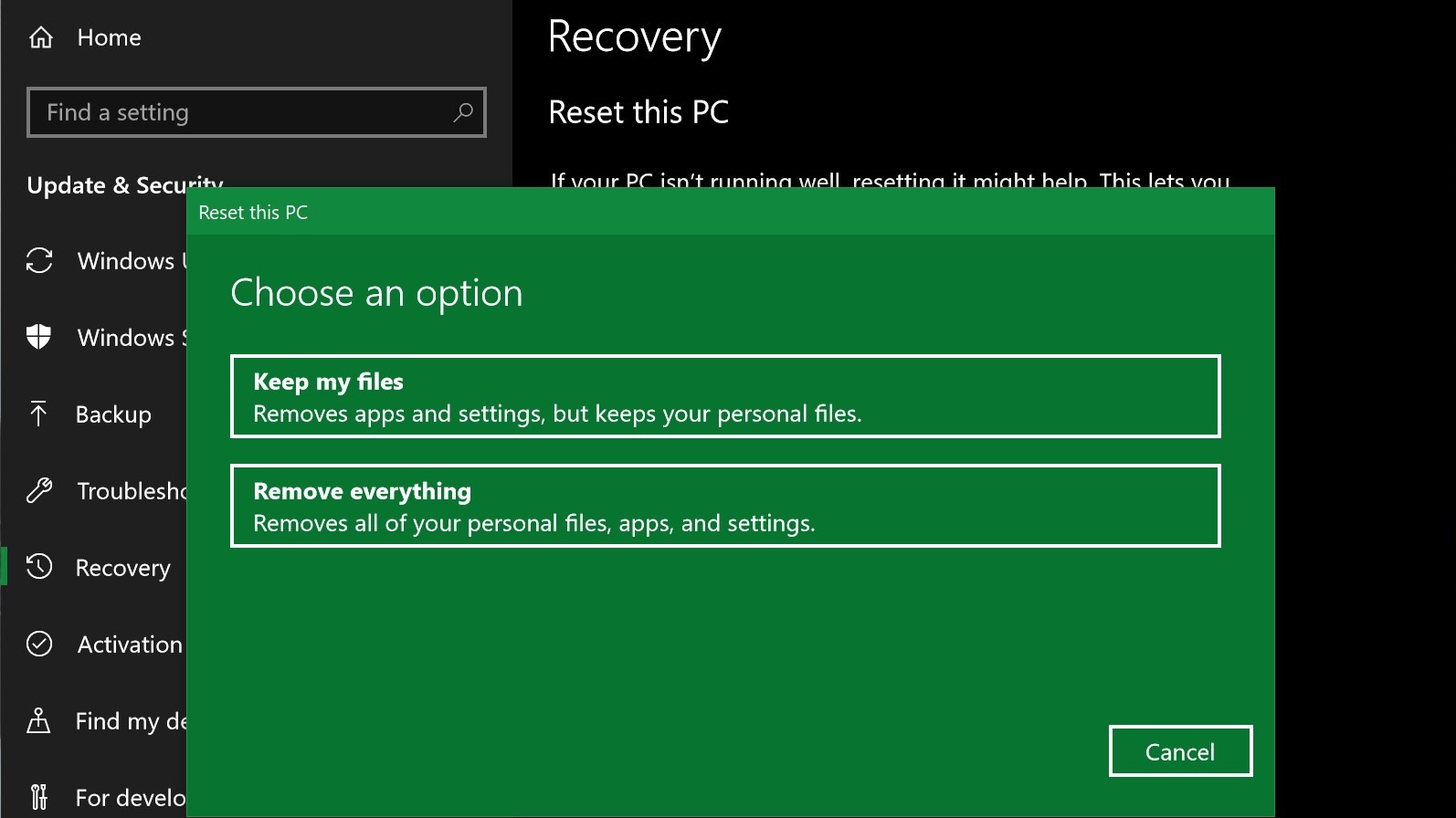
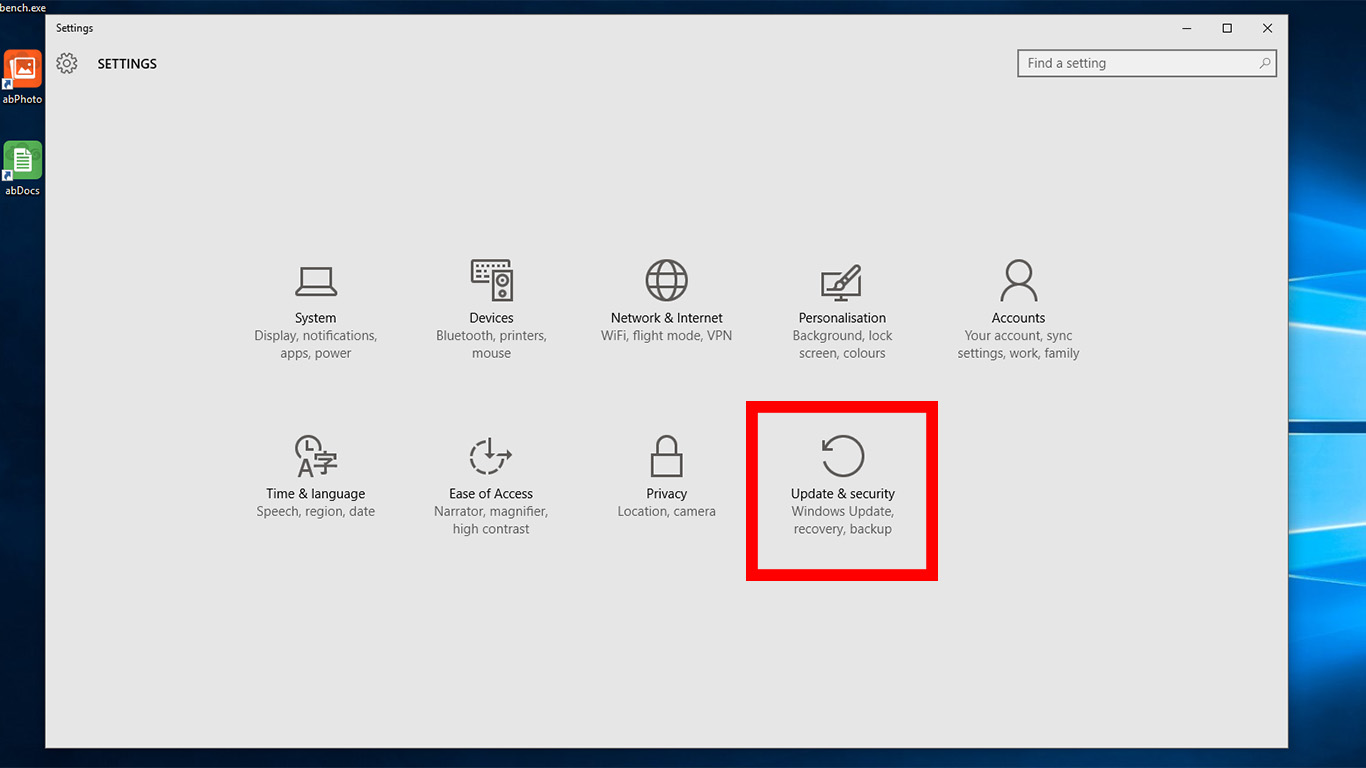
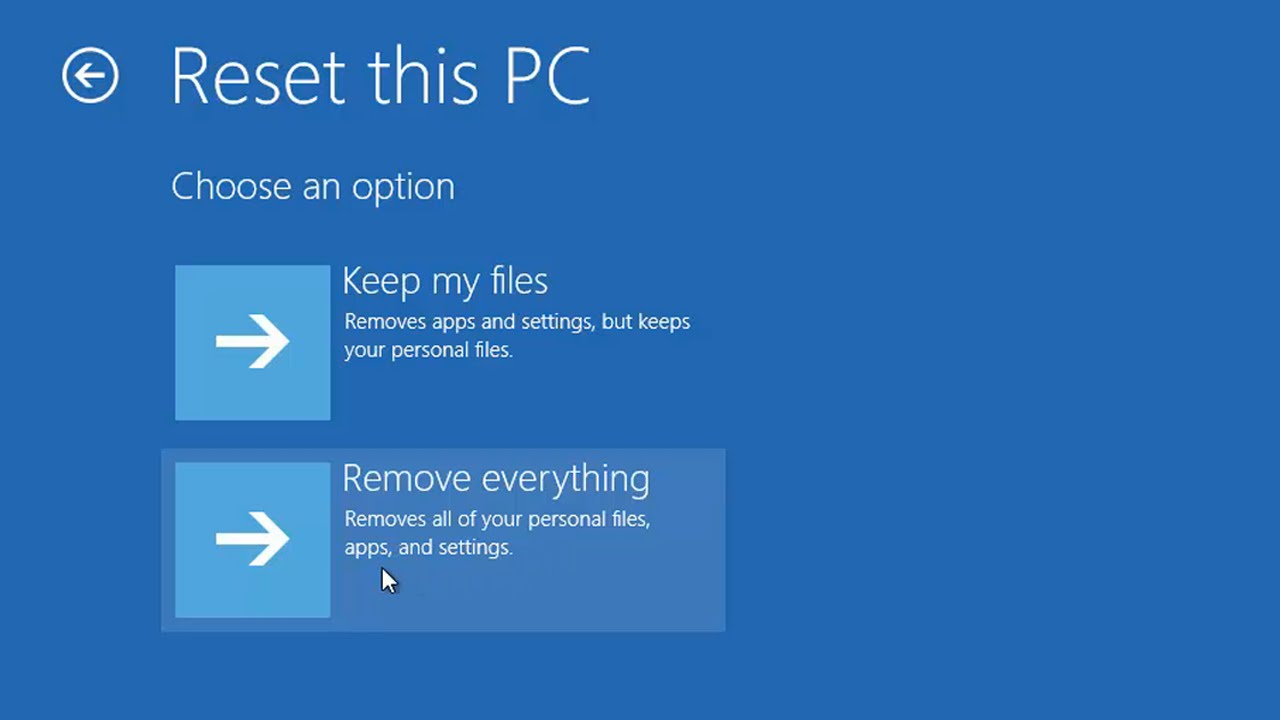
If you can at least reach the login screen, click on Power icon on lower right corner, then hold down the SHIFT key and then select Restart. Windows 10 will reboot and ask you to select an option. Click Troubleshoot. On the next screen, click the Reset this PC button. How do I factory reset my computer without logging in? …