How do I use multiple desktops in Windows 10?
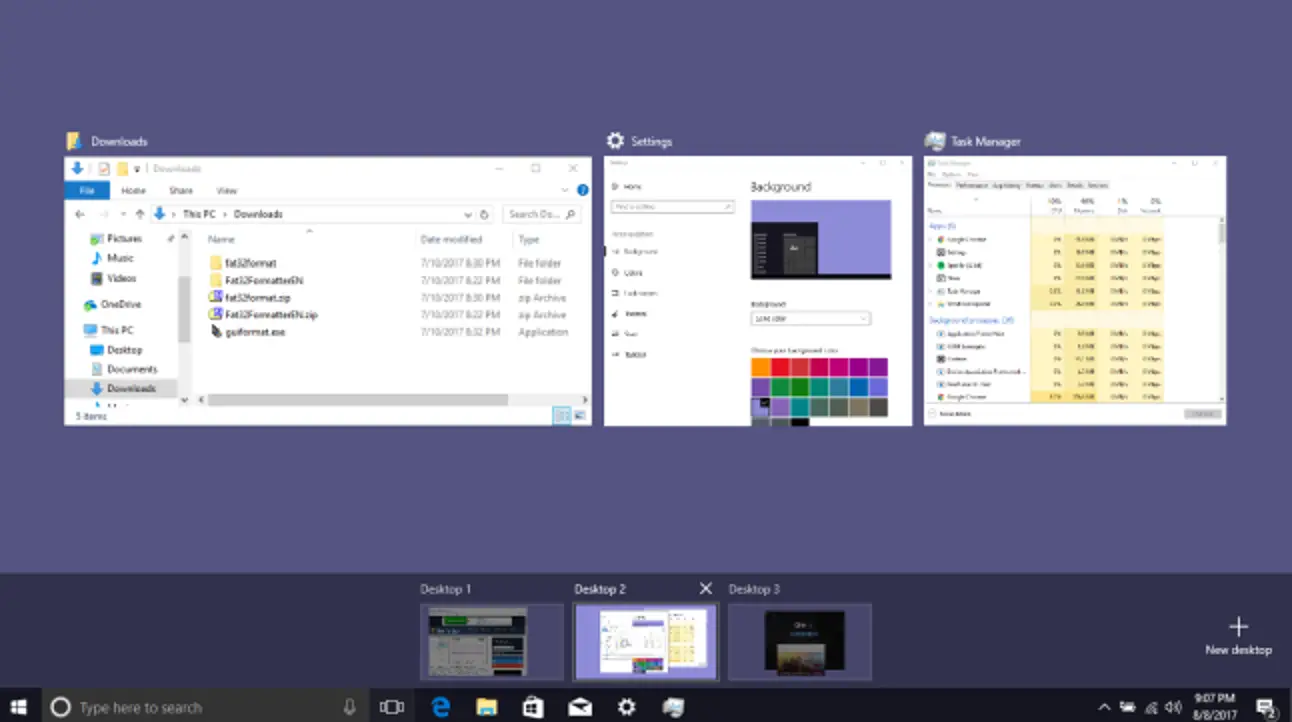
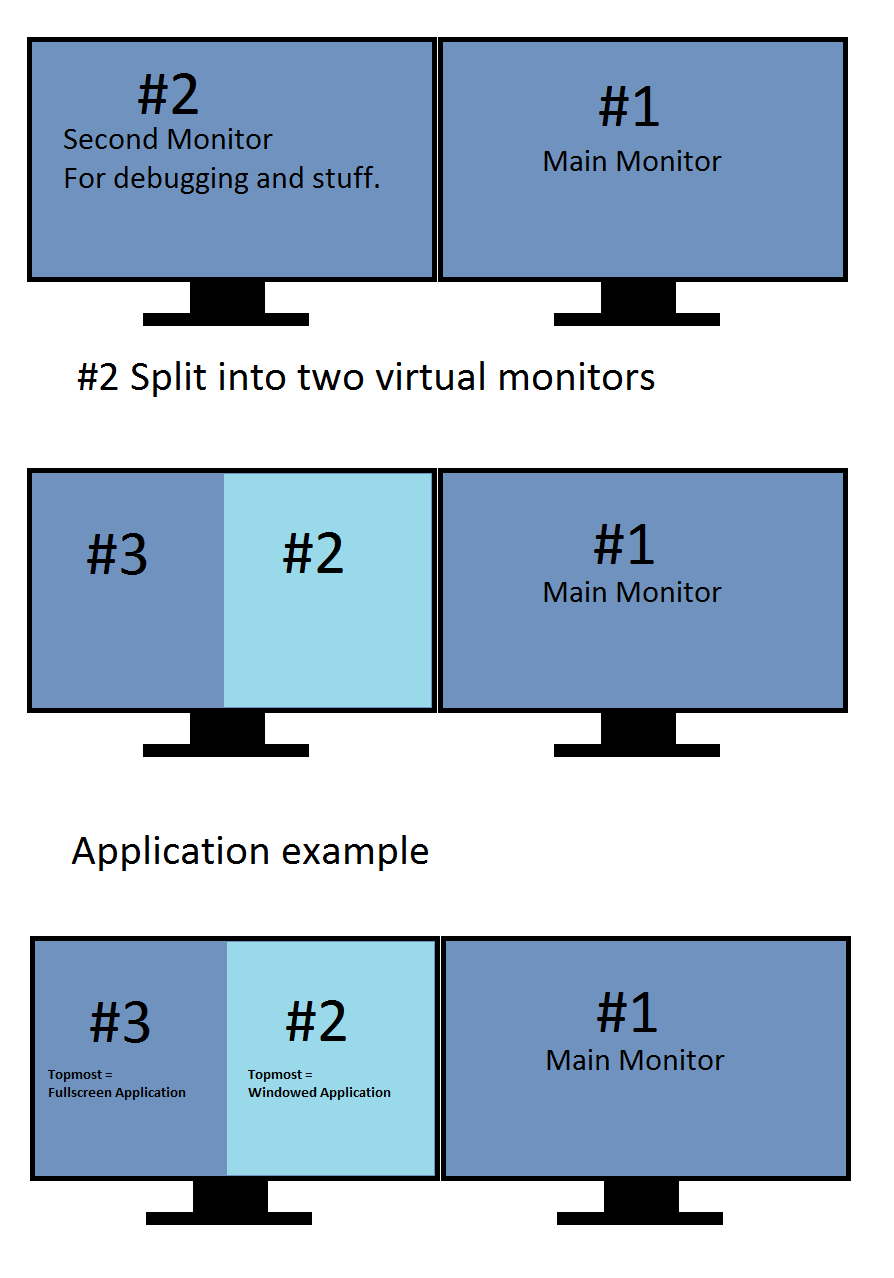
Enter Task View (via Win + Tab), create multiple new Virtual Desktops. Drag and drop a Virtual Desktop to another position in the list in Task View. Right click a Virtual Desktop thumbnail in task view and select “Move left” or “Move right” in the context menu to move the desktop to another position. How do I arrange multiple desktops …