
Anúncios
Stock trading is a very lucrative way of making money. However, for beginners, it is notoriously difficult. In order to master stock trading, you need to research, study and read as much as possible. You might also benefit from enrolling in a masterclass or taking an online course, though try to find one that is as affordable as possible. Some of these classes can cost a fortune.
If you would like to get involved, then you have your work cut out for you. This article will provide a quick guide on how to trade stocks:
Anúncios
- Learn the Basics
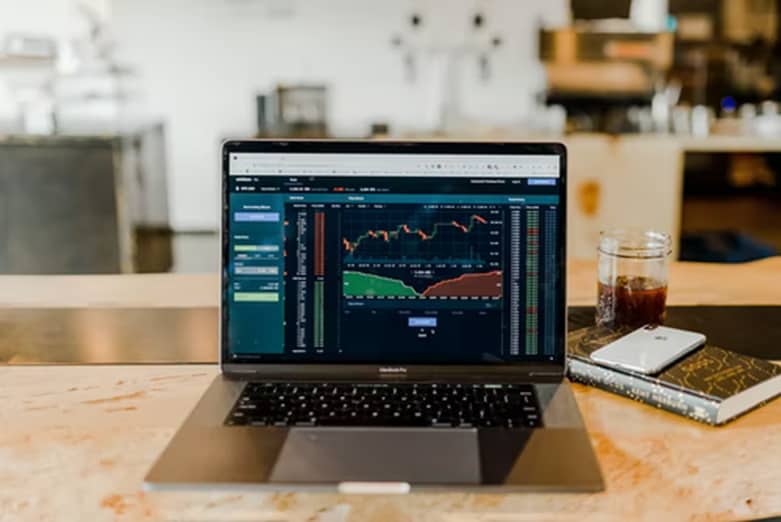
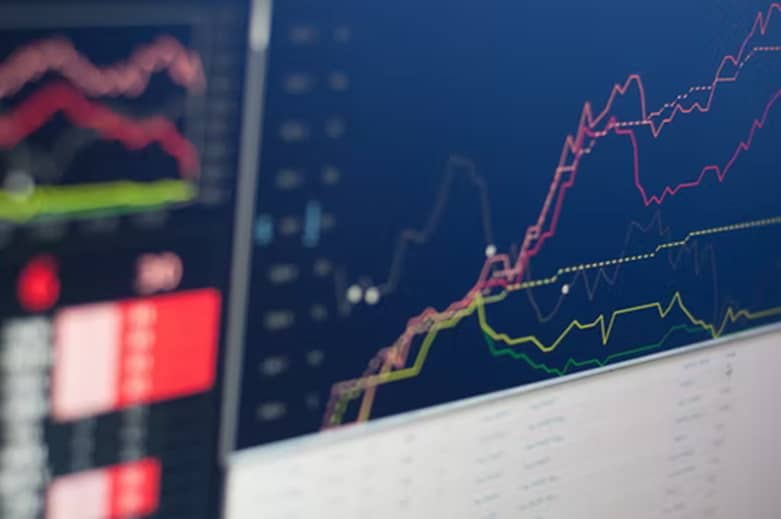
- Before you can get started investing, you need to learn the basics. If you don’t take time to learn about investing, the chances are that you will make very bad decisions. One of the most important things that you need to do if you want to be a successful trader is to learn to read stock charts. Stock charts are a very valuable tool, that will give you insight into how a market is performing, as well as what they are going to do next.
- In addition to learning to read stock charts, it is also essential that you learn trading terminology, so that platforms, trading guides, and other traders don’t confuse you. A few terms that you need to know include:
- Bullish refers to a strong market, with stocks moving up. It can also reference the position that a trader is taking.
- Bearish refers to a weak market, on a downward trend.
- Float is a term that refers to the number of outstanding shares a stock has available to trade.
- Share Buy-Back is a program whereby companies buy shares that they have sold.
Market Research
It is also important to conduct extensive market research. You cannot buy stocks until you know exactly what you are buying, what the stock’s future predictions are, and how the market is performing at the time that you are buying. Stock markets are notoriously unpredictable. The unpredictability of trading is exacerbated if you intend on day trading. Fortunately, the stock market is more accessible now than ever before, so finding this information, and learning about lucrative stocks isn’t difficult at all. As a beginner, you will benefit from reading guides written by trading experts, outlining which stocks are best to get started in.
You might also want to consider attending a master class, which we have already mentioned. Masterclasses are a very effective way of learning about trading, directly from investors with years of experience.
Anúncios
If you are going to attend a masterclass, then make sure that you extensively research the course provider, so that you can find the one that is the most effective. You can read the masterclass’s reviews online. Forums, chat rooms, and independent review sites should also provide insight into a masterclasses’ efficacy, content, and usefulness. Make sure to also research the person who is leading the classes too.
Finding a Platform
Once you have taken time to research stock trading and markets, you can begin searching for a platform. If you don’t choose the right platform, then you will have difficulty trading. Here are a few things to consider when you are looking for a platform:
- Security is one of the most important things to consider when you are looking for a trading platform. If a platform isn’t secure, then your investment isn’t safe. Unfortunately, internet fraud is at an all-time high. The platform needs to offer two-factor verification, robust data privacy, and identity verification, as well as strict rules regarding depositing and withdrawing money from new bank accounts.
- Deposits are also very important. If a platform does not offer speedy deposits [and withdrawals], then your ability to trade will be severely limited. Fortunately, most trading platforms now offer immediate deposits and withdrawals, because they work with bank transfers, as opposed to debit card payments. Bank transfers show up almost instantly.
- Variety is crucial. If a platform does not offer users a variety of different stocks, then their ability to diversify their portfolios is severely limited. When you are selecting a platform, try to select one that allows a variety of international stocks, and trades on a number of different exchanges. You should also consider finding a platform that also allows you to trade cryptocurrency. Cryptocurrency is one of the world’s hottest and newest investment opportunities.
- Customer support also needs consideration. If a platform’s customer support is slow or non-existent, then you won’t be able to effectively resolve any problems that you have. In addition to customer support, it’s important that the platform that you select has tech support. Tech support should be instantly available so that if you have any issues, you can get them fixed immediately. Customer service and tech support should be available by email, live chat, and a dedicated phone line.
Diversifying Portfolio
When you have found the right platform for you and have started investing, bear diversification in mind. You shouldn’t put all of your money into a single stock. Diversification means spreading your money around, investing in a number of different stocks. As mentioned already, cryptocurrencies are a very popular choice for investors at the moment. You could consider diversifying by investing in crypto. Remember though, crypto markets are much more unpredictable than stock markets are. You also need to carefully think through leverage trading if you are going to invest in cryptos because if the crypto you invest in takes a turn for the worse, you could be in a lot of debt.
Comfortable Spending
Make sure that you never spend more than you are comfortable with losing. Because stock trading is so unpredictable, there’s always a chance that you could lose your money. Lots of people treat stock and crypto trading like gambling. It isn’t. It is a very lucrative way of getting a return on your money, not a quick way to flush your money down the toilet. Set limits and never exceed them.
If you want to get started with stock trading, then go through this article’s advice and apply it to your trading strategy. Make sure that you take your online security very seriously because traders are regularly targeted by online fraudsters.









